


Applying for a U.S. passport or ePassport is surprisingly unforgiving when it comes to photos. A single shadow, the wrong dimensions, or a casual smile can get your application delayed or rejected.
This guide explains exactly how the ePassport photo application for the USA works, what the U.S. Department of State requires, and how to prepare a compliant photo, online or offline, without trial-and-error.
What is an ePassport Photo for the USA?
An ePassport photo for the USA is a biometric passport photograph used for U.S. passport books, passport cards, and related government travel documents. It must meet strict technical and visual standards so the image can be used for identity verification, facial recognition, and border control systems.
This is not the same as a casual ID photo or a visa photo. The U.S. passport photo has its own specifications, and deviations, even small ones, often lead to rejection.
Official U.S. Passport Photo Requirements
The U.S. Department of State enforces uniform photo standards. Any ePassport photo application for the USA must meet the following conditions:
The photo must be 2 x 2 inches (51 x 51 mm). The head size must measure between 1 inch and 1 3/8 inches from the chin to the top of the head. The photo must be taken within the last 6 months and reflect your current appearance.
The background must be plain white or off-white, with no textures, patterns, or shadows. The image must be in color, properly exposed, and sharply focused. Filters, retouching, or beauty enhancements are not allowed.
Your facial expression must be neutral, with both eyes open and mouth closed. Smiling, frowning, or exaggerated expressions are grounds for rejection.
Glasses, Head Coverings, and Accessories
Glasses are not allowed, even if you wear them daily. If you submit a photo with glasses, your application will almost certainly be rejected.
Head coverings are allowed only for religious or medical reasons. In such cases, the face must be fully visible from chin to forehead, and no shadows may appear on the face. Uniforms, camouflage clothing, and headphones are prohibited.
Digital Photo Requirements for Online Applications
If you are submitting a digital photo for an online passport application or printing it yourself, additional rules apply.
The image must be in JPEG format, with a square aspect ratio. The minimum resolution is 600 x 600 pixels, and the file size should generally be under 240 KB unless otherwise specified by the application system.
The photo must not be scanned from a printed image. It must originate from a camera or smartphone and retain natural lighting and color balance.
How to Apply for a U.S. Passport Photo Online
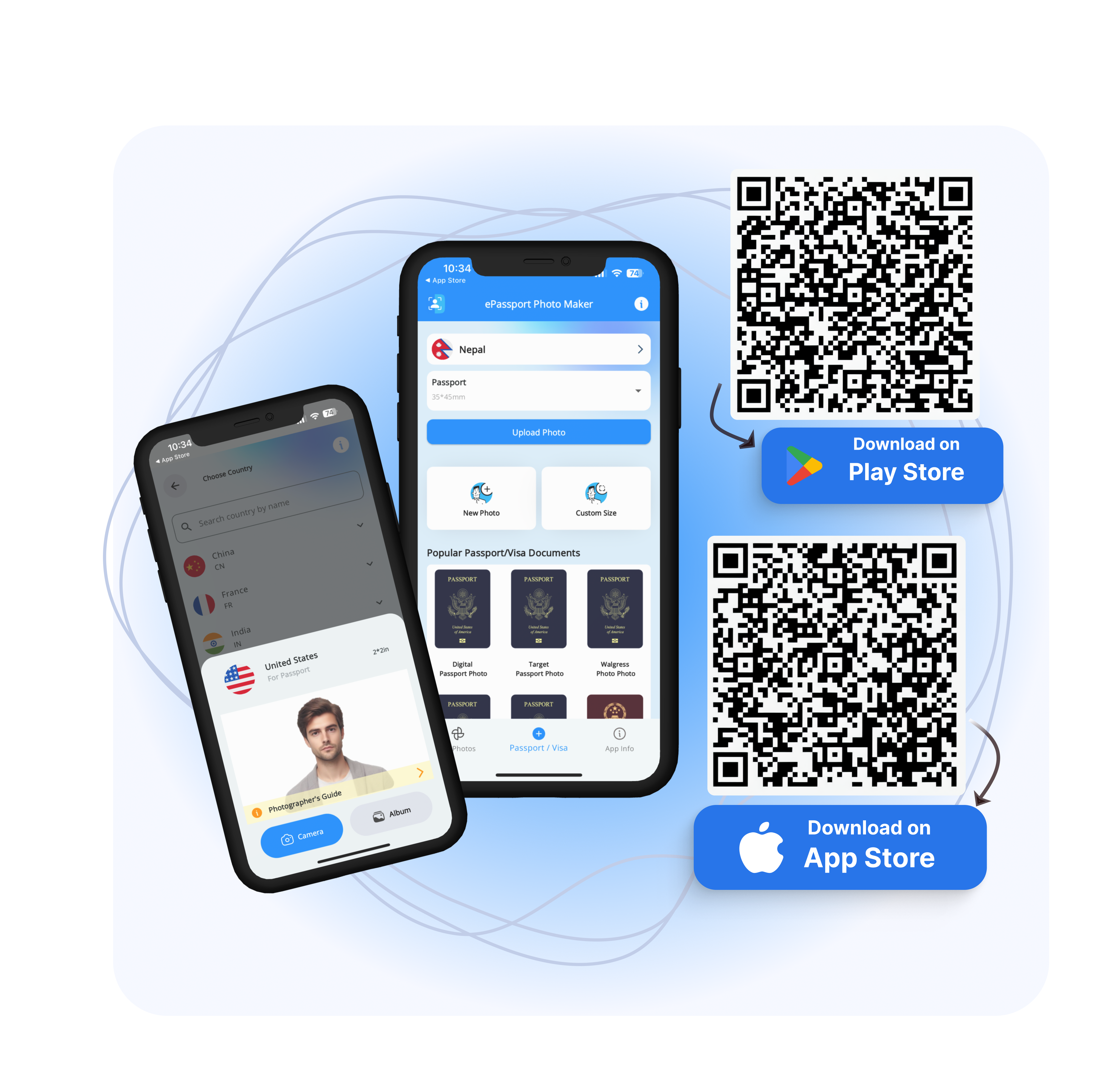
Many applicants now use online tools or mobile services for their ePassport photo application for the USA. The process typically follows this flow:
You take a photo using a smartphone or camera in good natural lighting.
You upload the image to a passport photo tool that crops it to U.S. specifications.
The tool adjusts framing, not facial features, and exports a compliant image.
You upload the photo to the passport application portal or print it on photo paper.
When using online tools, ensure they do not alter facial structure, smooth skin, or apply filters. Automated "beauty" adjustments are a common reason photos get rejected.
Common Reasons U.S. Passport Photos Are Rejected
Rejections usually come down to predictable technical issues rather than identity problems.
Shadows behind the head or on the face
Incorrect head size or photo dimensions
Non-neutral facial expression
Glasses or glare on the eyes
Background that is not plain white
Low resolution or over-compression
Avoiding these errors upfront saves weeks of processing time.
Printing Your Passport Photo Correctly
If you choose to print your photo, use high-quality photo paper with a matte or glossy finish. Do not print on standard office paper.
The final print must be exactly 2 x 2 inches, without borders, text, or watermarks.
Many applicants fail at this step by resizing incorrectly during printing, even if the digital file is correct.
Final Checklist Before Submitting
Before submitting your ePassport photo application for the USA, confirm:
The photo meets the U.S. size and background rules
The image is recent and unedited
Your face is fully visible and centered
The file format and resolution are correct
No prohibited accessories appear in the photo
This checklist alone eliminates most rejections.
Conclusion
The ePassport photo application for the USA is not difficult, but it is strict. Precision matters more than aesthetics.
By following official size, background, and expression requirements, and avoiding over-editing, you can submit a photo that passes review on the first attempt.
A compliant photo doesn't draw attention. It quietly does its job, which is exactly what U.S. passport systems expect.
Visit EPassport-Photo