



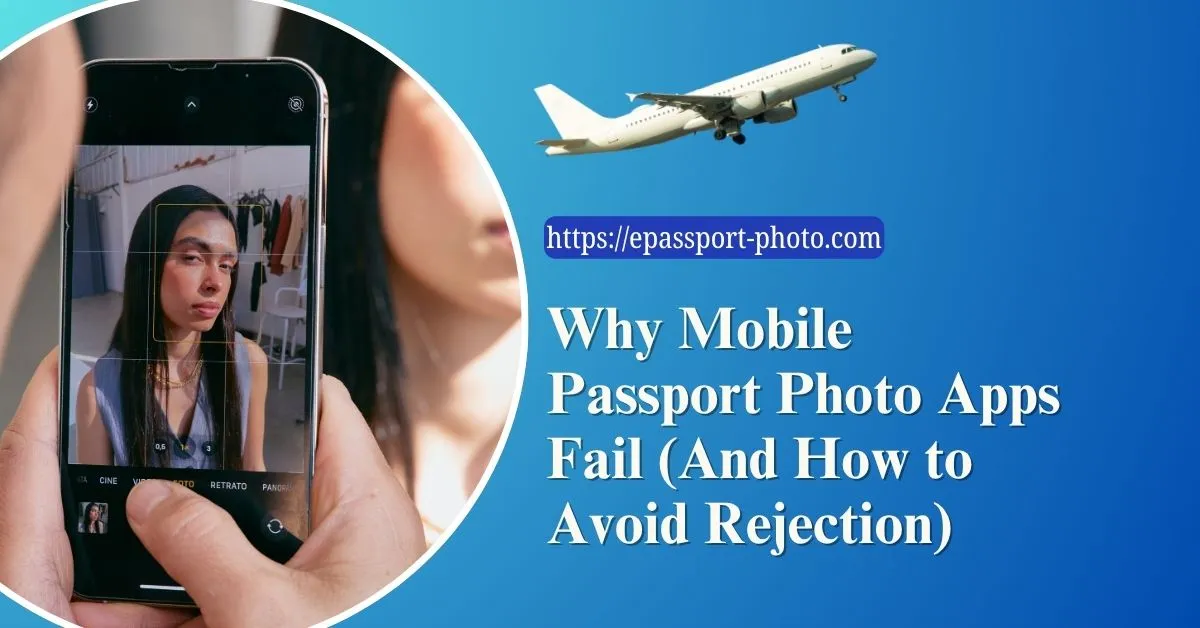
Mobile passport photo apps have made passport photography more accessible than ever. Within minutes, users can take a photo, remove the background, resize the image, and export a document-ready file directly from their phone.
However, accessibility does not always mean accuracy.
A large number of passport photo apps focus heavily on speed and visual convenience while overlooking the technical standards required by government agencies and biometric verification systems. As a result, many users end up submitting photos that appear correct visually but fail during actual validation.
This problem has become increasingly common as governments move toward automated processing systems that analyze passport photos at a technical level rather than relying only on human review.
Understanding why mobile passport photo apps fail is essential for avoiding rejection, delays, and repeated application submissions.
The Core Problem: Visual Editing vs Biometric Compliance
Most passport photo apps are designed primarily around visual editing. Their goal is to produce a photo that "looks" like a passport photo.
Real passport validation works differently.
Government systems evaluate:
Facial proportions
Eye alignment
Head size ratio
Background consistency
Resolution integrity
Compression quality
An image can look perfectly acceptable to a human viewer while still failing biometric checks because its technical structure does not match official requirements. This gap between appearance and compliance is where many mobile apps fail.
Why Automated AI Cropping Often Produces Incorrect Results
Many passport photo apps rely on automated AI detection to crop and align the face. While this improves speed, it often introduces subtle errors.
Common AI cropping issues include:
Incorrect head size ratio
Eyes positioned too high or too low
Uneven spacing around the face
Overly aggressive cropping
These problems occur because generic AI models prioritize visual centering rather than document-specific biometric standards.
A face that appears centered artistically may still violate official positioning requirements.
Compression Problems in Mobile Passport Photo Apps
One of the biggest hidden issues in mobile passport photography is image compression. To reduce file size and speed up processing, many apps heavily compress exported images.
This creates:
Loss of facial detail
Blurred edges
Compression artifacts
Reduced sharpness around eyes and hair
These issues are not always obvious on a phone screen but become highly visible during digital validation or printing.
Biometric systems rely heavily on fine facial detail. Excessive compression can reduce recognition accuracy significantly.
Why Beauty Filters and AI Enhancements Cause Rejection
Modern smartphones and apps frequently apply automatic enhancements without users realizing it.
These may include:
Skin smoothing
Facial reshaping
Artificial sharpening
Eye enhancement
Color correction filters
While these effects improve casual portraits, they are problematic for identification photos because they alter natural facial characteristics.
Government guidelines generally require passport photos to represent the applicant's real appearance without digital manipulation. Even subtle AI beautification can interfere with biometric analysis.
The Background Removal Problem
Background removal is one of the most heavily marketed features in passport photo apps. Unfortunately, it is also one of the most inconsistent.
Poor background removal often creates:
Jagged hair edges
Halo effects around the face
Uneven white backgrounds
Artificial outlines
These defects may look minor visually but can affect edge detection systems used in automated verification.
The challenge becomes even greater with:
Curly hair
Glasses
Dark clothing
Low contrast lighting
Accurate subject separation requires far more precision than most lightweight apps provide.
Incorrect Aspect Ratio Conversion
Many apps attempt to convert regular photos into passport formats automatically. During this process, images are frequently stretched or compressed to fit required dimensions.
This creates facial distortion, which affects:
Head proportions
Eye spacing
Facial geometry
Even slight distortion can reduce biometric compatibility.
Proper passport resizing should preserve:
Original facial proportions
Correct aspect ratio
Natural geometry
Unfortunately, many apps prioritize fitting the image into a template rather than preserving proportional accuracy.
Why Passport Requirements Are More Complex Than Apps Suggest
Many passport apps market the process as:
"1-click passport photo"
"Instant compliant image"
"Automatic approval"
In reality, passport standards vary significantly between:
Countries
Visa types
Immigration systems
Digital vs printed submissions
Requirements also change over time.
A system that only applies generic templates without deeper validation may produce images that fail real-world checks.
The Hidden Problem With Low-Light Smartphone Processing
Phone cameras use computational photography to improve images captured in poor lighting. While visually impressive, this processing can create:
Artificial sharpening
Noise reduction smearing
Loss of skin texture
Overprocessed facial details
These effects are especially common in:
Night mode
Indoor low-light conditions
Front-camera selfies
The resulting image may look smooth and bright while actually containing less usable biometric detail.
Why Selfie-Based Passport Apps Frequently Fail
Many mobile passport photo apps encourage users to take selfies directly within the app.
This creates multiple technical problems:
Camera too close to the face
Perspective distortion
Incorrect eye alignment
Uneven framing
Selfies alter natural facial proportions because wide-angle lenses exaggerate nearby features, especially the nose and forehead.
Professional passport setups intentionally maintain greater camera distance to preserve accurate geometry.
What Reliable Passport Photo Processing Actually Requires
A reliable passport photo system must evaluate more than appearance.
It should validate:
Facial symmetry
Resolution integrity
Background consistency
Output dimensions
Aspect ratio preservation
This requires a structured processing pipeline rather than simple visual editing.
Why Structured Validation Matters More Than Fast Editing
Fast editing tools prioritize convenience. Structured validation prioritizes compliance.
This distinction matters because government systems evaluate technical measurements rather than aesthetic quality.
Platforms like Epassport-photo focus on producing compliant images by combining:
Facial alignment analysis
Background standardization
Dimension correction
Biometric formatting
Instead of relying solely on generic visual AI filters, the system is designed around actual document standards.
This significantly reduces rejection risk compared to lightweight editing-only apps.
How to Avoid Passport Photo Rejection When Using Your Phone
The safest approach involves:
Capturing a high-quality original image
Using proper lighting and distance
Avoiding selfies and beauty filters
Maintaining natural facial appearance
Using structured formatting tools instead of simple editors
Reviewing the final image carefully before submission
This workflow dramatically improves acceptance rates.
Signs That a Passport Photo App May Be Unreliable
Warning signs include:
Overly aggressive beauty effects
Instant auto-cropping without manual review
Poor edge detection around hair
Excessive compression
Unrealistically fast "guaranteed approval" claims
Reliable processing requires precision, not just automation.
Conclusion
Mobile passport photo apps have simplified passport photography, but convenience alone does not guarantee compliance. Many apps fail because they focus on appearance rather than the technical requirements used in real-world government validation systems.
Understanding how biometric standards work, and where mobile apps commonly fail, allows users to avoid rejection and create more reliable passport photos. A structured approach based on accurate formatting, natural facial geometry, and proper validation produces significantly better results than relying on quick visual editing alone.
Visit EPassport Photo
Download the App | Android | IOS |
Frequently Asked Questions (FAQs)
1. Why do passport photo apps get photos rejected?
Many apps prioritize visual editing instead of biometric compliance and official measurements.
2. Are AI passport photo apps reliable?
Some are, but many generic apps lack accurate validation systems.
3. Do beauty filters affect passport photo approval?
Yes. Facial modifications can interfere with biometric recognition.
4. Why do selfie passport photos fail?
Close camera distance creates perspective distortion and incorrect facial proportions.
5. What is the safest way to create a passport photo using a phone?
Capture a clean image first, then use a structured compliance-focused platform for formatting and validation.