



Online passport photo tools have become increasingly popular because they allow users to create compliant passport, visa, ID card, and immigration photos without visiting a photography studio or retail store.
The convenience is obvious. A photo can be taken with a smartphone, uploaded to a website, automatically formatted, and downloaded within minutes.
However, passport photos are not ordinary images.
A passport photo contains biometric information that can be used for identity verification, facial recognition, immigration processing, and government-issued documentation. As online passport photo tools continue growing in popularity, users are asking an increasingly important question:
Are online passport photo tools actually safe? The answer is more nuanced than a simple yes or no.
The safety of an online passport photo service depends on several factors, including how it handles uploaded images, how long files are stored, whether biometric information is protected, how the service processes images, and whether its compliance claims are technically reliable.
Understanding these factors helps users evaluate passport photo tools more effectively and make informed decisions about their personal data.
Why Passport Photos Are More Sensitive Than Ordinary Images
Many people think of a passport photo as just another photograph. From a privacy perspective, this is not entirely accurate.
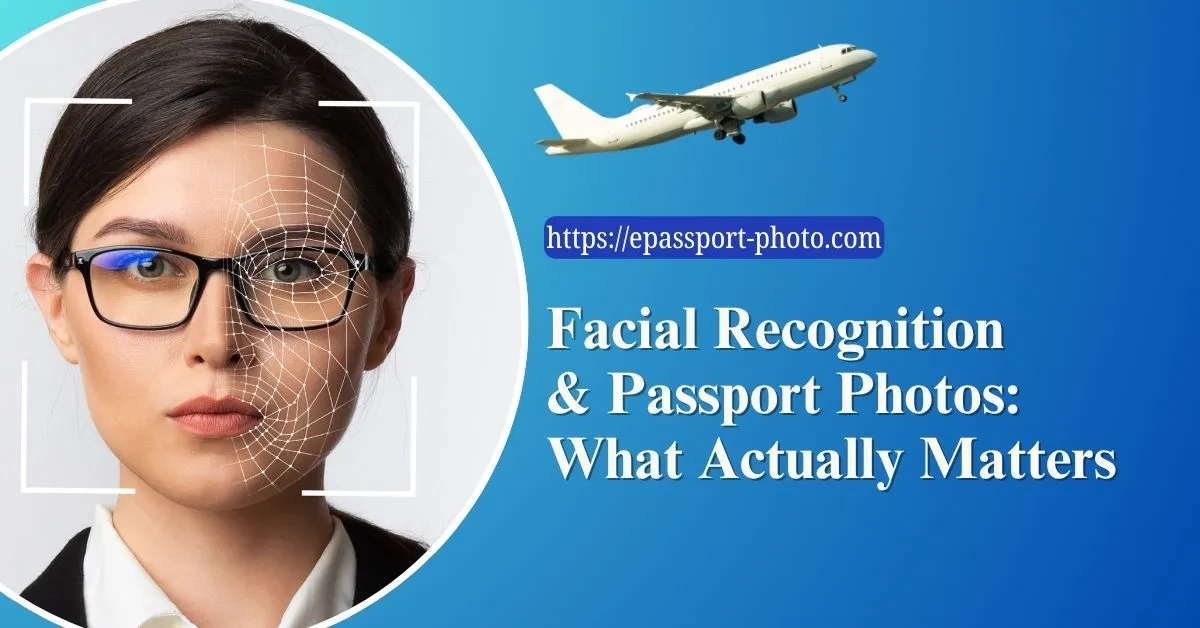
A passport photo is considered a biometric identifier because it contains measurable facial characteristics that can be used to recognize an individual.
Modern facial recognition systems analyze:
Eye spacing
Nose structure
Jawline geometry
Facial proportions
Landmark relationships
Unlike a typical vacation photo, a passport photo is specifically designed to present the face in a standardized format optimized for identification. This means the image potentially carries greater privacy significance than ordinary photographs.
For that reason, users should understand how a service handles uploaded files before submitting sensitive identity-related images.
What Happens When You Upload a Passport Photo?
Most online passport photo tools follow a workflow similar to the following:
Image upload
Face detection
Background processing
Alignment correction
Size and format adjustment
File generation
Download delivery
While this appears simple on the surface, multiple technical processes occur behind the scenes.
Depending on the platform, uploaded images may be:
Processed immediately and deleted
Temporarily stored
Archived for a period of time
Used for quality improvement systems
Retained for customer support purposes
The privacy implications depend largely on what happens after processing is complete.
The Difference Between Image Processing and Data Collection
One of the most misunderstood aspects of online photo tools is the distinction between processing and retention. A service can analyze an image without permanently storing it.
For example, automated systems may perform:
Face detection
Background removal
Dimension validation
Biometric positioning checks
These operations require temporary access to the image but do not necessarily require long-term storage.
The important question is not whether a photo is processed. Processing is unavoidable.
The important question is: How long does the service keep the image after processing is complete? This is where privacy policies become extremely important.
Understanding Biometric Data Risks
Biometric information differs from passwords. A password can be changed.
Your face cannot. Because facial characteristics are permanent identifiers, biometric data receives special treatment under many privacy regulations worldwide.
Potential risks associated with poorly managed biometric data include:
Unauthorized access
Data breaches
Improper retention
Unapproved sharing
Identity-related privacy concerns
It is important to note that reputable passport photo services typically do not use uploaded images for facial recognition databases. However, users should still verify how their data is handled before uploading identity-related photos.
What Security Features Should Users Look For?
A trustworthy online passport photo platform should provide clear information about security practices.
Important indicators include:
Secure Data Transmission
Images should be transferred using encrypted HTTPS connections. Encryption protects uploaded images from interception during transmission between the user's device and the server.
Without encryption, sensitive files could theoretically be exposed during transfer.
Limited Retention Policies
A privacy-focused service should explain:
Whether files are stored
How long files remain available
When deletion occurs
Shorter retention periods generally reduce privacy exposure.
Transparent Privacy Documentation
Users should be able to understand:
What data is collected
Why it is collected
How it is used
Whether it is shared
Clear policies often indicate a more mature privacy approach.
Are AI-Powered Passport Photo Tools Safe?
Many modern passport photo platforms use artificial intelligence. AI itself is not inherently a privacy risk.
The actual risk depends on:
How the AI system is trained
Whether uploaded images are retained
Whether images are reused
Most compliance-focused passport photo systems use AI for:
Facial landmark detection
Head size measurement
Eye position validation
Background segmentation
These operations improve accuracy and automation.
The important distinction is whether uploaded photos are simply processed or retained for unrelated purposes.
Accuracy Is Also Part of Safety
Privacy is only one aspect of safety. Accuracy matters as well.
A passport photo tool that produces non-compliant images creates a different kind of risk:
Application delays
Additional fees
Missed travel deadlines
For this reason, users should evaluate both privacy protections and compliance reliability.
A secure service that generates inaccurate photos is still problematic. Likewise, a highly accurate service with poor privacy practices introduces other concerns.
True safety requires both.
Why Government Compliance Is Difficult
Many users assume passport photo generation is a simple resizing task.
In reality, compliance often involves:
Facial alignment analysis
Resolution requirements
Background verification
Country-specific specifications
Different countries use different standards.
Requirements also vary between:
Passports
Visas
Residence permits
Immigration documents
This complexity explains why sophisticated validation systems are necessary.
Common Misconceptions About Online Passport Photo Tools
One common misconception is that every online passport photo service performs the same function.
In reality, platforms differ significantly in:
Validation methods
Privacy practices
Processing accuracy
Storage policies
Another misconception is that deleting a downloaded image automatically removes all uploaded copies. Whether uploaded files remain on servers depends entirely on the service's retention policies.
Users should never assume deletion occurs automatically without confirmation from the platform.
How to Evaluate an Online Passport Photo Service
Before uploading a passport photo, users should consider several questions:
Does the platform explain its privacy practices?
Does it provide information about image storage and deletion?
Does it describe how photos are processed?
Does it explain compliance methodology rather than simply promising approval?
Does it provide support if users encounter issues?
The answers often reveal whether a service prioritizes long-term trust or simply short-term convenience.
The Role of Accuracy in Passport Photo Acceptance
Passport photo acceptance depends on technical consistency.
Modern verification systems evaluate:
Facial geometry
Lighting quality
Resolution
Positioning
Background uniformity
Services that incorporate structured validation systems are generally more reliable than simple image-editing applications.
Platforms such as Epassport-photo focus on both compliance and usability by helping users create properly formatted passport photos from home while reducing common formatting and positioning errors.
The goal is not merely to resize an image but to improve the likelihood that the final photo meets official document requirements.
The Future of Biometric Privacy
As governments continue expanding facial recognition and digital identity systems, public awareness of biometric privacy is likely to increase.
Future regulations may place additional requirements on:
Biometric storage
Consent management
Data retention
Identity protection
Users will increasingly evaluate online services based not only on convenience but also on transparency and privacy responsibility. This makes trust an important differentiator for online passport photo platforms.
Conclusion
Online passport photo tools can be both safe and effective when they combine strong privacy practices with accurate compliance processing. The real question is not whether a platform uses AI or automation, but how it manages biometric data, secures uploaded images, and handles retention after processing.
Because passport photos contain sensitive identity information, users should evaluate online tools with the same level of scrutiny they would apply to other services that process personal data.
Understanding how these systems work helps users balance convenience, security, privacy, and document accuracy while choosing a trustworthy passport photo solution.
Visit EPassport-Photo
Frequently Asked Questions
Are passport photos considered biometric data?
Yes. Passport photos contain facial characteristics used for identity verification and biometric recognition systems.
Can online passport photo tools see my uploaded photo?
Yes. The image must be processed to perform operations such as cropping, background adjustment, and compliance validation.
Is AI passport photo processing safe?
AI processing itself is generally not the issue. The important factors are storage practices, retention policies, and data handling procedures.
Can passport photos be stolen during upload?
Secure services use encrypted HTTPS connections to protect files during transmission.
How can I tell if a passport photo website is trustworthy?
Review its privacy policy, security practices, storage policies, and compliance methodology before uploading sensitive images.