

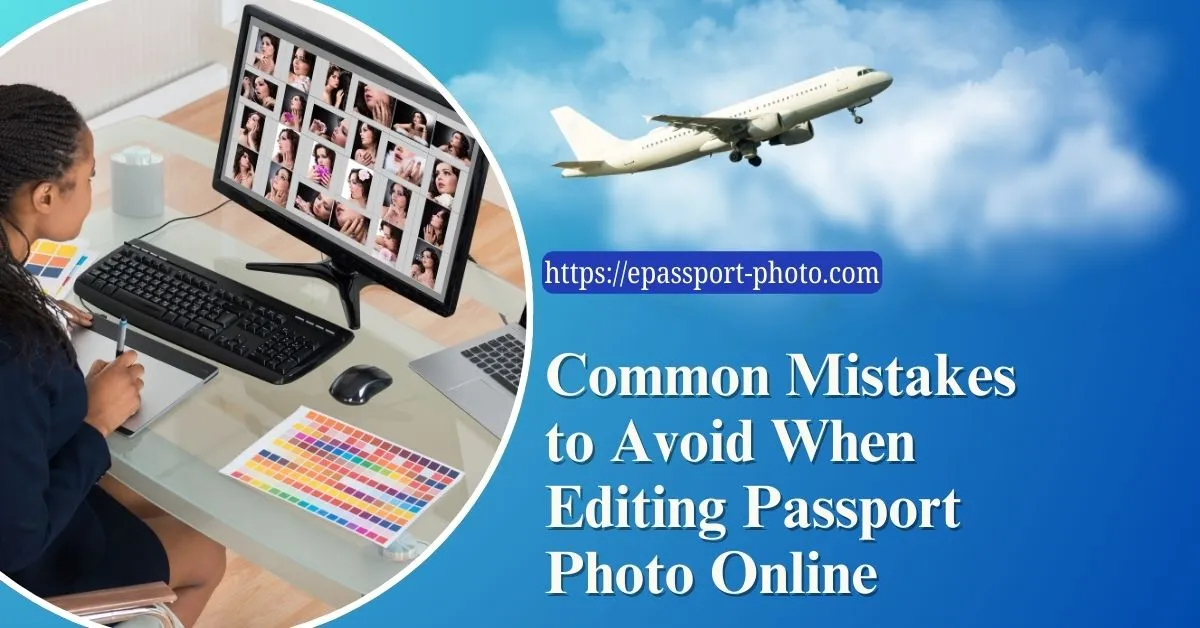
A passport photo is a key element of your official identification. It might be small, but it plays a big role in your official documentation. Luckily, online editing tools make capturing the perfect passport picture a breeze.
However, editing passport photo online comes with its own set of rules. In this blog, we will delve deeper into these common mistakes and provide tips on how to avoid them when editing your passport photos online.
Additionally, we will introduce ePassport-Photo, a user-friendly platform designed to help you navigate the complexities of passport photo editing with ease and accuracy.
Common Mistakes in Passport Photo Editing
When editing passport photo online, it is easy to overlook crucial details that can lead to rejection or delay of your application. Here are some common mistakes to avoid while taking a passport photo:
Incorrect Background
Background Requirements: Passport photos typically require a plain, evenly colored background, often white or light blue, free from shadows, patterns, or other distractions.
Common Errors: Examples of errors include using a patterned or dark background, which may not meet official standards. Such mistakes can result in rejection or additional processing time for your application.
Improper Lighting
Importance of Proper Lighting: Lighting plays a crucial role in passport photos, as it affects the clarity and accuracy of the image. Poor lighting can lead to shadows, overexposure, or glare, all of which can render the photo unusable.
Tips for Achieving Even Lighting: Position yourself in a well-lit area with natural light if possible. Avoid direct sunlight or harsh artificial lighting. Ensure that the light is evenly distributed to avoid shadows on your face.
Incorrect Facial Expression
Neutral Expression: Passport photos require a neutral facial expression with both eyes open and looking directly at the camera. Smiling, frowning, or any other facial expressions are often deemed unacceptable.
Proper Head Positioning: Your head should be centered in the frame, with your face taking up a significant portion of the photo. Refrain from turning your head or shifting your eyes from the camera.
Incorrect Size and Dimensions
Standard Size and Dimensions: Passport photos typically have specific size and dimension requirements set by government agencies. These standards ensure consistency and compatibility with official documents.
Resizing or Cropping Incorrectly: Resizing or cropping your photo incorrectly can lead to it being too small or too large, resulting in rejection. Always ensure that your photo meets the specified dimensions.
Failure to Meet Other Specifications
Addressing Other Specifications: In addition to background, lighting, and size, passport photos must meet various other specifications, such as resolution, format, and quality.
Providing a Checklist: To ensure that your photo meets all necessary criteria, use a checklist. Check that the photo is clear, in focus, and meets all requirements before submitting it with your application.
By avoiding these common mistakes and paying attention to the details, you can ensure that your passport photo meets all necessary standards and avoids unnecessary delays in your application process. Remember, precision and accuracy are key when it comes to passport photo editing.
Tips for Successful Passport Photo Editing
Editing passport photo online can be a straightforward process if you follow these additional tips and best practices.
Select the Right Photo
Choose a Recent Photo: Ensure that your photo is recent and accurately reflects your current appearance.
Keep it Simple: Select a photo where you are the only subject, with no one else or objects in the background.
Maintain a Neutral Expression: Aim for a neutral facial expression with both eyes open and looking directly at the camera. Avoid smiling or frowning.
Checking for Errors
Use a Reliable Tool: Use a reputable passport photo editing tool like ePassport-Photo to ensure accuracy and compliance.
Verify Background and Lighting: Check that the background is plain and evenly colored and that there are no shadows or glare on your face.
Ensure Proper Head Positioning: Make sure your head is centered in the frame and not tilted. Your face should take up a significant portion of the photo.
Ensuring Compliance
Know the Regulations: Familiarize yourself with the passport photo requirements of your country or the agency you are applying to.
Check Size and Dimensions: Ensure that your photo meets the specified size and dimension requirements. Avoid resizing or cropping the photo incorrectly.
Double-check other Specifications: Verify that your photo meets additional specifications such as resolution, format, and quality.
Additional Tips
Avoid Filters and Editing: Refrain from using filters or editing tools that alter your appearance. Passport photos should accurately represent your natural features.
Wear Appropriate Attire: Dress in plain, everyday clothing that contrasts with the background. Avoid wearing hats or accessories that obscure your face.
Natural Lighting is Key: Whenever possible, take your photo in natural daylight to achieve the best results.
By following these tips, you can ensure that your passport photo meets all necessary standards and avoids common mistakes that could lead to rejection or delays in your application process.
Remember, accuracy and compliance are crucial when editing passport photo online.
Final Say
Ensuring your passport photo meets all necessary standards is crucial for a smooth and successful application process. By avoiding common mistakes when editing passport photo online, you can save time and money and avoid unnecessary delays.
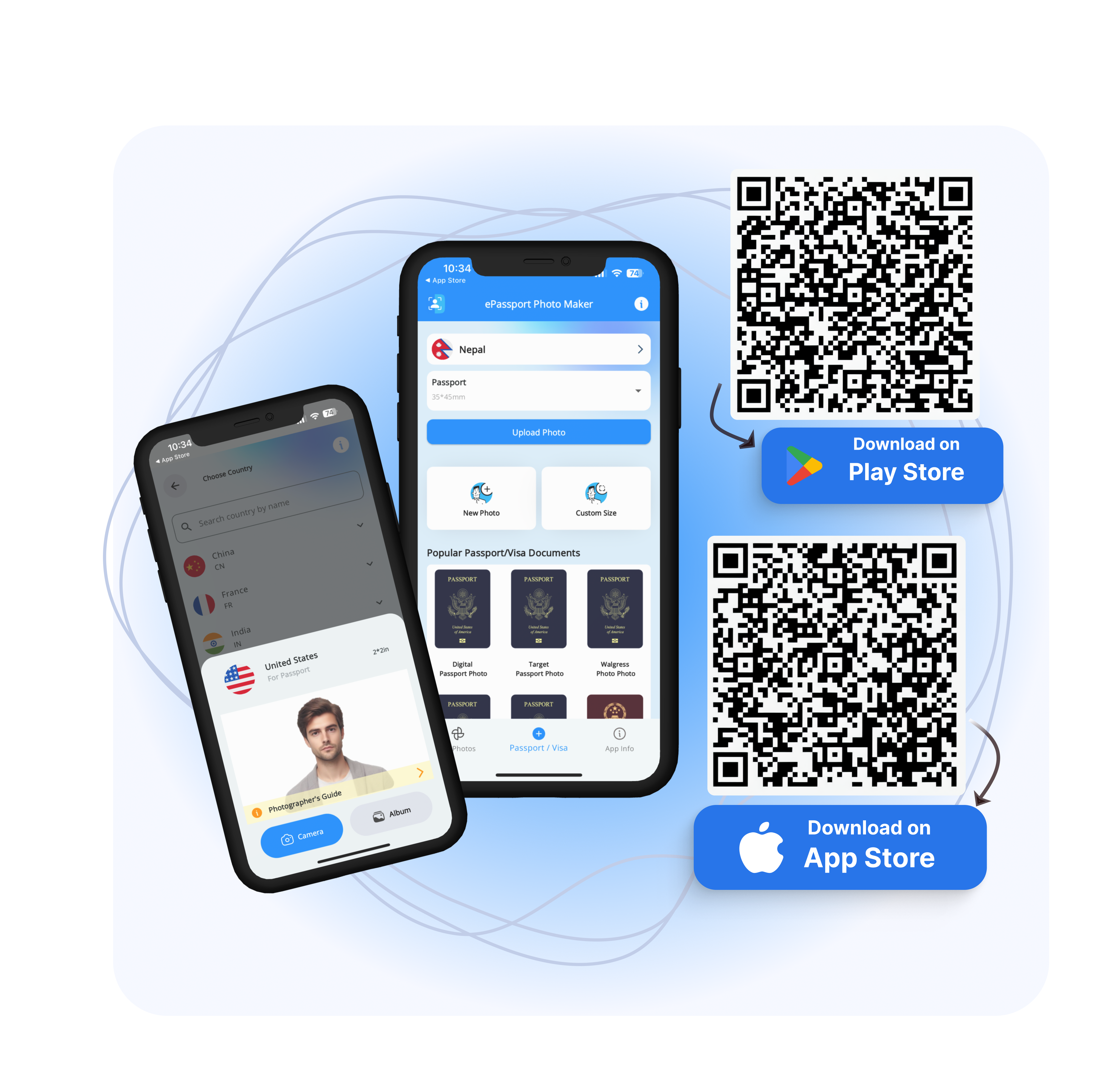
ePassport-Photo offers a user-friendly platform that simplifies the editing process, ensuring accuracy and compliance with regulations. With customization options tailored to meet your country's requirements, fast processing times, and robust security measures, ePassport-Photo is your reliable solution for hassle-free passport photo editing.
Don't let small errors detail your application: trust ePassport-Photo for your passport photo needs and enjoy peace of mind knowing your photos meet all necessary standards. Try it today and experience the difference!
FAQs
1. What are the standard requirements for passport photos?
Passport photo requirements may vary slightly by country, but generally, they include specifications for size, background, lighting, facial expression, and dimensions.
2. Can I take my passport photo?
Yes, you can take your passport photo as long as it meets all the requirements. Online tools like ePassport-Photo can help you ensure compliance.
3. What background color is acceptable for passport photos?
The most commonly accepted background colors for passport photos are white or light blue. The background should be plain and evenly colored, with no patterns or shadows.
4. Can I smile in my passport photo?
Most countries require a neutral facial expression with no smiling for passport photos. It is best to maintain a neutral expression with both eyes open and looking directly at the camera.
5. How can I ensure my passport photo meets the correct size and dimensions?
Use a reliable passport photo editing tool like ePassport-Photo, which includes a dimension checker to ensure your photo meets the specified size and dimensions.
6. Can my passport photo feature me wearing glasses or a head covering?
In many cases, glasses are allowed as long as there is no glare and your eyes are visible. However, head coverings are generally not allowed unless worn for religious or medical reasons.
7. What can be done if a passport photo is rejected?
If your passport photo is rejected, carefully review the guidelines and make any necessary adjustments. Tools like ePassport-Photo can help you correct errors and ensure compliance.
8. How can I ensure my passport photo is secure when using online editing tools?
Choose a reputable online editing tool like ePassport-Photo, which employs encrypted data transmission and promptly deletes photos from its database after use to ensure security and privacy.
9. Do I need to print my passport photo on special paper?
While some countries may require specific paper types for passport photos, standard photo paper is generally acceptable. Be sure to check the requirements for your specific application.