

A passport photo becomes somewhat of an add on to your already long list of things to do in your last minute travel plans.
Well, don't you worry; it should not be stressful, time consuming, or too costly to take professional looking passport photos. With a few simple rules, you can do the shooting and preparation of your photo pretty quickly and, in fact, at no cost!
Below are the most important pointers so you'll get it right, regardless of where you live.
Understand Your Country's Photo Requirements
Before reaching for that phone or camera, grab a minute or two to check out a few official passport photo guidelines for your home country. Every country has different rules, dimensions, head size, expression, and background color.
Prevention is certainly better than a cure; beginning with ensuring that you've done everything that needs to be done will help avoid delays or denial. Most government websites offer visual examples and downloadable templates; use them to double-check your photo before submission.
Use Natural, Even Lighting
Lighting is one of the most common reasons people get rejected for passport photos. Harsh shadows, glare on the skin, or unevenness in lighting across the entire face cause such problems.
So, the perfect daylight exposure is to stand in front of a window during the day, with all that gentle and indirect sunlight filtering through the window rather than standing directly under ceiling lights that form quite dark shadows underneath your eyes and chin.
Choose a Proper Background
Most passport photos require a neutral, solid colored background, usually white or light grey. A plain white sheet can form a background hang, or a plain poster board can be taped to any available wall.
Ensure that the backdrop is not textured, not wrinkled, not cluttered, and lit evenly. Even a little spot or shadow behind your head can cause rejection of the photo; therefore, pamper yourself with some extra minutes in making sure your background is as clean and uniform as it can be.
Take the Photo Yourself (or with Help)
The most basic, most efficient photography device is usually your smartphone's camera, making it sufficient to take a passport quality picture.
Position the camera about 1 to 2 metres away at eye level and center the individual in the frame with the head and shoulders shot visible. Use the time function on your phone or ask a friend or family member to help you take the image.
Make sure the individual always looks straight at the camera without smiling, tilting, or turning the head.
Wear Appropriate Clothing
Simply dressed in solid colors, slightly contrasting with the background, fits a good passport photo. White will not be a good choice since it will merge with the white background, tending to wash out the photograph.
Normally, religious headgear is allowed, provided that it does not cover the whole face. Don't wear a hat, headphones, or any head coverings that cover your forehead, eyebrows, eyes, or chin.
Crop and Size the Photo Correctly
It is one of the key aspects to crop and scale the photo according to the specifications of one's country after it is taken. Most passport authorities have requirements for overall photo size and measurement of head dimensions within it.
Rather than trying to measure and resize manually, it's far easier (and more accurate) to use a passport photo tool or generator that applies these rules automatically. These tools make sure that your head is centered, at the proper distance from the edges, and that the color of your background is uniform.
How to Get It Done for Free: Use EPassport-Photo?
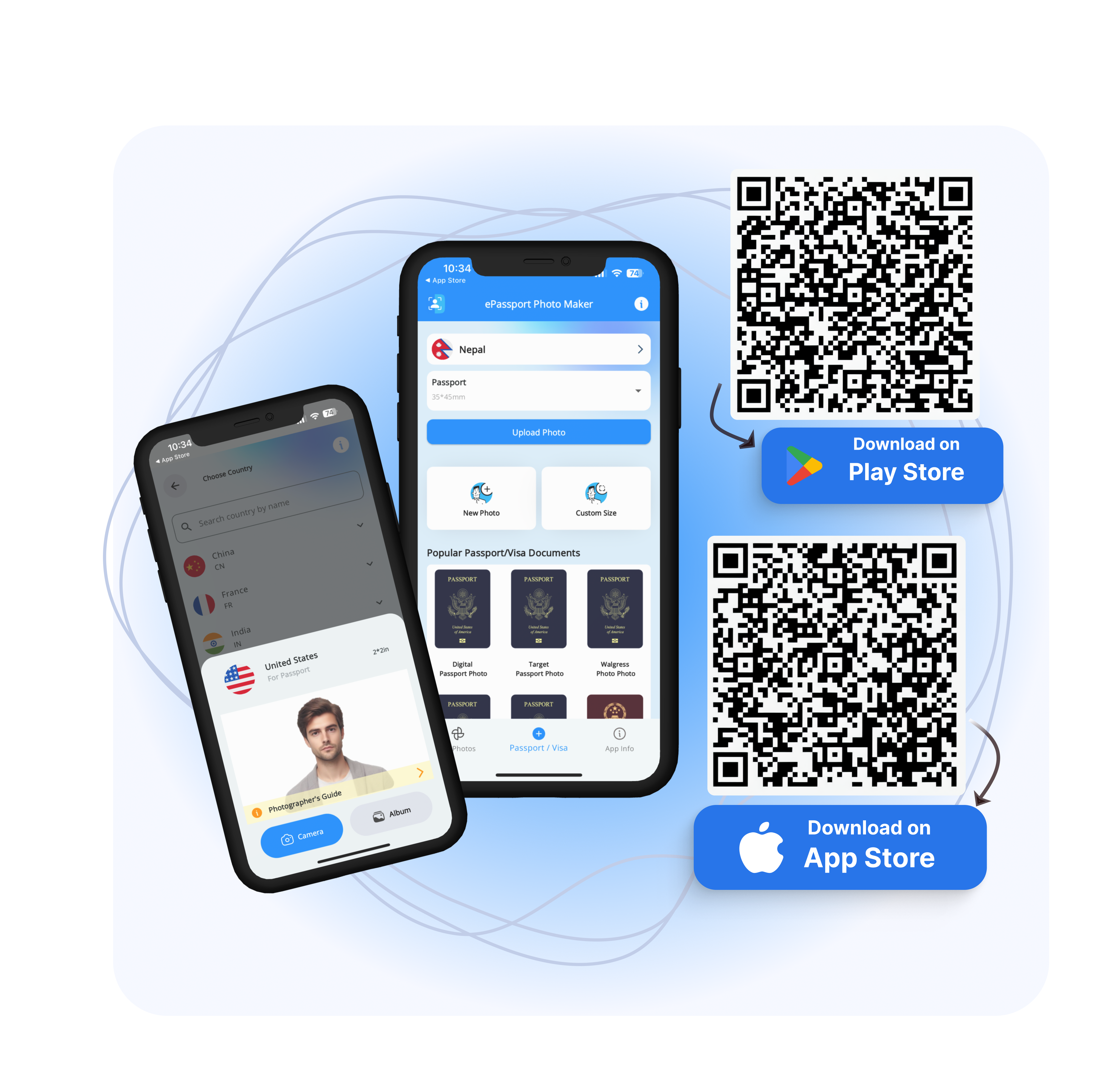
If you want to save money and still meet all official requirements, EPassport-Photo is one of the best free solutions available. The service is available through its website, https://www.epassport-photo.com/, and it has a mobile app that supports the passport photo formats for nearly all countries.
You just upload a photo, select your destination country, and let the tool automatically crop and format your photo for you. It also offers background adjustment and compliance checks to help ensure the photo meets your national standards.
Once processed, you can download the digital image for free. You then have the option to print it yourself on photo paper or take it to a local print shop.
Print It at Home or Locally
Once you have made the necessary changes to your picture and saved it, download the desired one using an excellent color printer on glossy photo paper for your print. Ensure you print the picture at the size specified by the passport authority of your country. It should not be scaled or resized in any manner.
If you do not have a printer, you could just as easily have the file emailed to your nearest photo shop, pharmacy, or self service print store and print it for less than a dollar at most. It is still faster but a cheaper option than having a full passport photo session in a studio.
Final Check Before Submission
Before submitting your passport application, take one last look at your photo. Compare it with your country's sample images or use an online verification tool if available.
Many online passport photo tools include a compliance checker that flags common issues like shadows, incorrect head size, or background problems. The final check can save you from damaging rejections and delays in processing your application.
Conclusion
With a prep talk, nice lighting, and the use of tools such as EPassport-Photo, photographs can be taken within the confines of a home and conform to international requirements.
You can save time and money by following your country's photo specifications, using free online services to crop and approve any photo, and simply printing it out yourself or getting it done at a local print shop.
Thus, if you have almost run out of time for passport photos, cancel your trip to the studio and try it yourself; your perfect passport picture is just a few clicks away!
Download EPassport Photo | Android | IOS
FAQs
1. Can I use a selfie for my passport photo?
While technically possible, this is not advisable. Most passport regulations require that the camera be positioned at eye level at a distance of about 1-2 meters to preclude distortion. It is better to set the camera up with a timer or have someone take it for you to meet the recognized standards.
2. Can I take my own passport photo using my phone?
Yes, with good lighting, good framing, and a passport photo tool to crop and resize it to suit your country's specifications, most modern smartphones pack cameras more than capable of taking a perfect passport photo.
3. Is a white bedsheet a valid background for passport photos?
If you do not have a plain white wall or light grey wall, then you can use a smooth white sheet. It must be wrinkle-free, evenly lit, and completely plain without patterns or shadows.
4. If I smile a little in my passport photo, will they reject me?
Most countries require a neutral expression with a closed mouth and eyes open. A slight, natural expression may be accepted, but anything resembling a full smile, showing teeth, or squinting may lead to rejection. Be sure to check the guidelines of your particular country.
5. Is it permissible for me to put on makeup or adornments, jewelry in my passport photo?
Light, daily makeup simply has to be worn, most of the time, as the face does not change. Small jewelry, such as studs or little earrings, is usually allowed by most, provided that they are unobtrusive; however, do not wear the shadow-casting or light-reflecting ones. Keep it simple.
6. How recent does my passport photo have to be?
Most countries require that the passport photo be taken within six months of the date. It should reflect one's current appearance, especially with regards to significant changes in weight, level or cut of the hair, and the face features perceptions.
7. Do digital passport photo tools actually meet official requirements?
Reputable tools like EPassport-Photo do. They provide formatting, verification for compliance, and sizing based on your selected nation. These services notwithstanding, you are ultimately responsible for researching your own country's official guidelines and checking the end result.
8. Can I print my passport photo on ordinary paper at home?
No. Passport photos must be printed on high-quality photo paper, usually glossy or semi-gloss. Printing on standard office paper would mean poor-quality images, most probably resulting in rejection. Use photo paper with a home printer or visit a local print shop.