

Passport-size photos are required for official documents such as passports, visas, job applications, and identity cards. These photos must meet strict size, background, and positioning standards.
Today, passport photo maker apps allow users to convert full-length photos into passport-size images directly on their smartphones. These apps automate cropping, resizing, and background adjustments based on document requirements.
Below is a curated list of 13 apps that help convert full-length photos into passport-size photos, along with their compatibility, key features, and limitations.
13 Best Apps to Create Passport-Size Photos
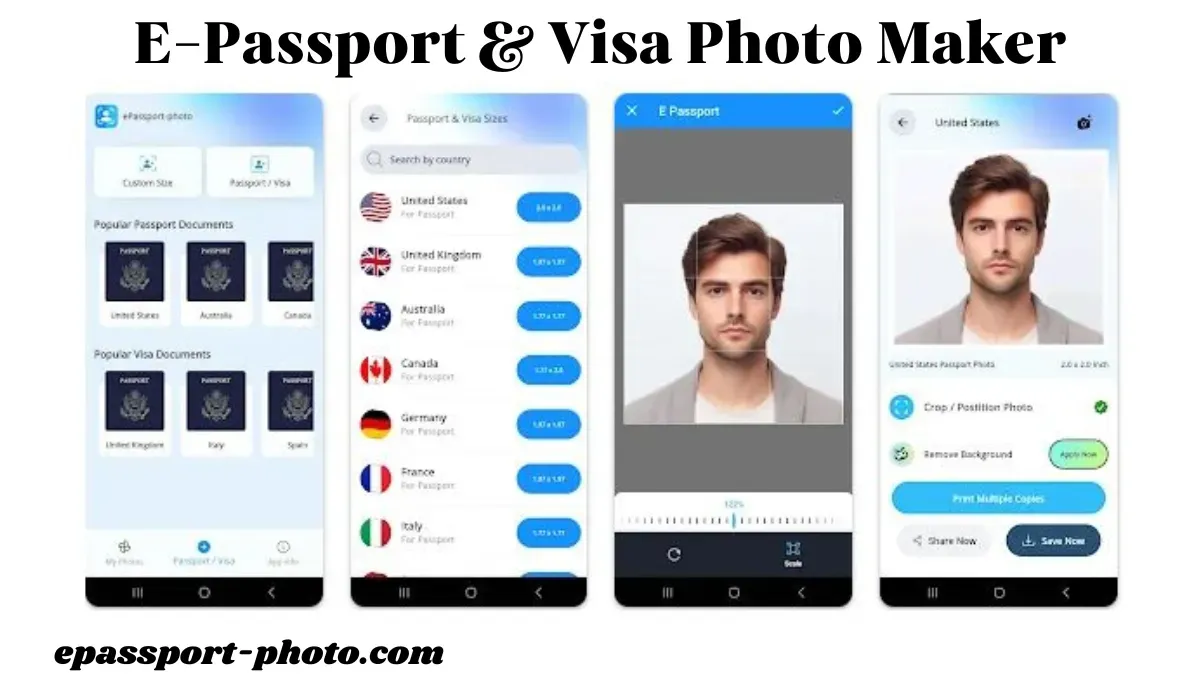
E-Passport & Visa Photo Maker
 Download Links: For Android Users | For iOS Users
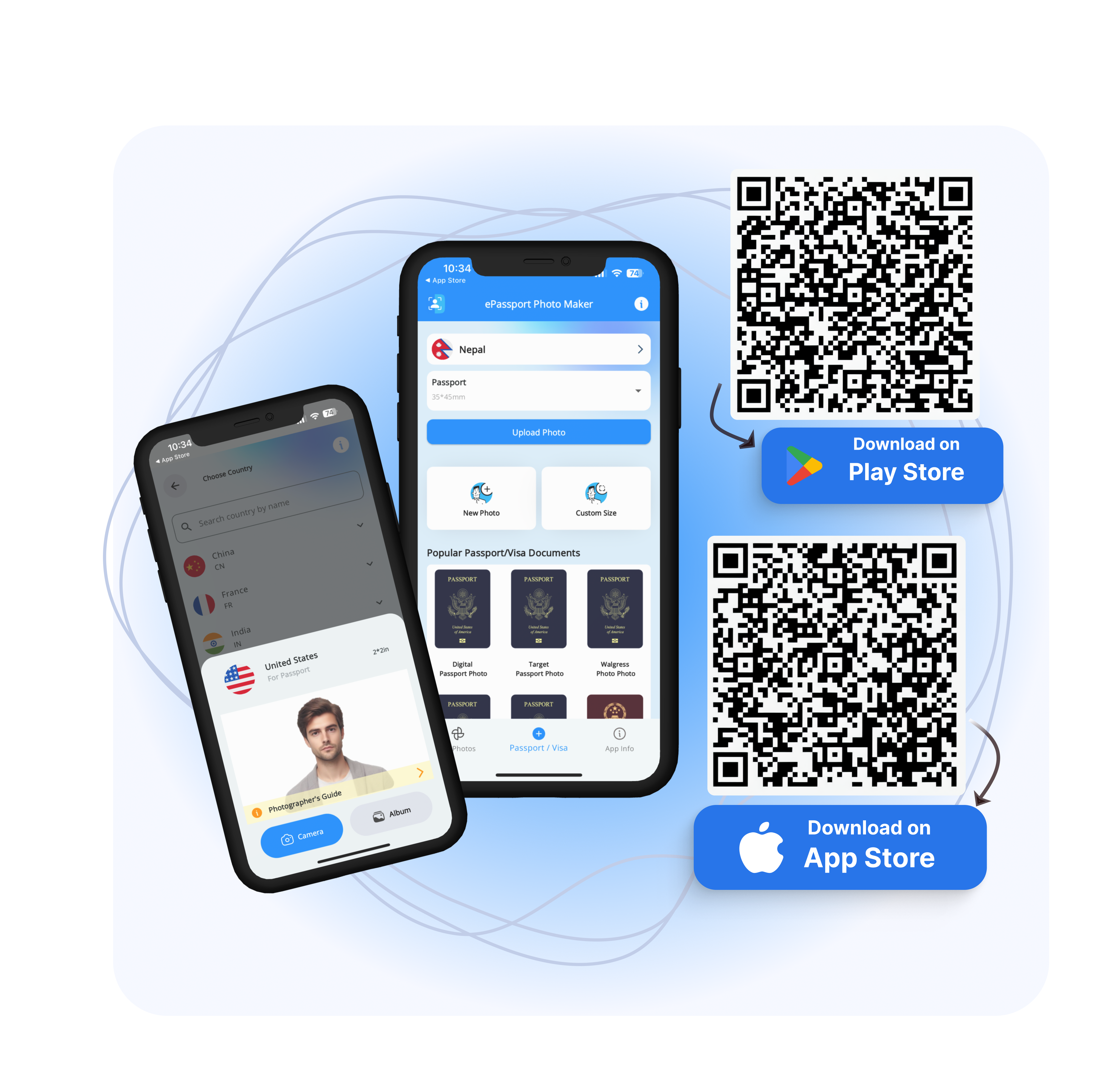
With the help of the E-Passport & Visa Photo Maker App, you can create professional-looking passport, visa, and ID photos right from your smartphone.
With the convenience of formatting, printing, and saving your passport photos from the comfort of your home, this app provides a smooth, cost-free solution.
The app supports standard passport and visa photo dimensions and allows users to save images digitally for printing or online submission.
Advantages
Simple interface
Digital photo export
Supports PNG and JPEG formats
Disadvantages
Limited documents
No support for other languages except English
Passport Photo Maker - Visa/ID
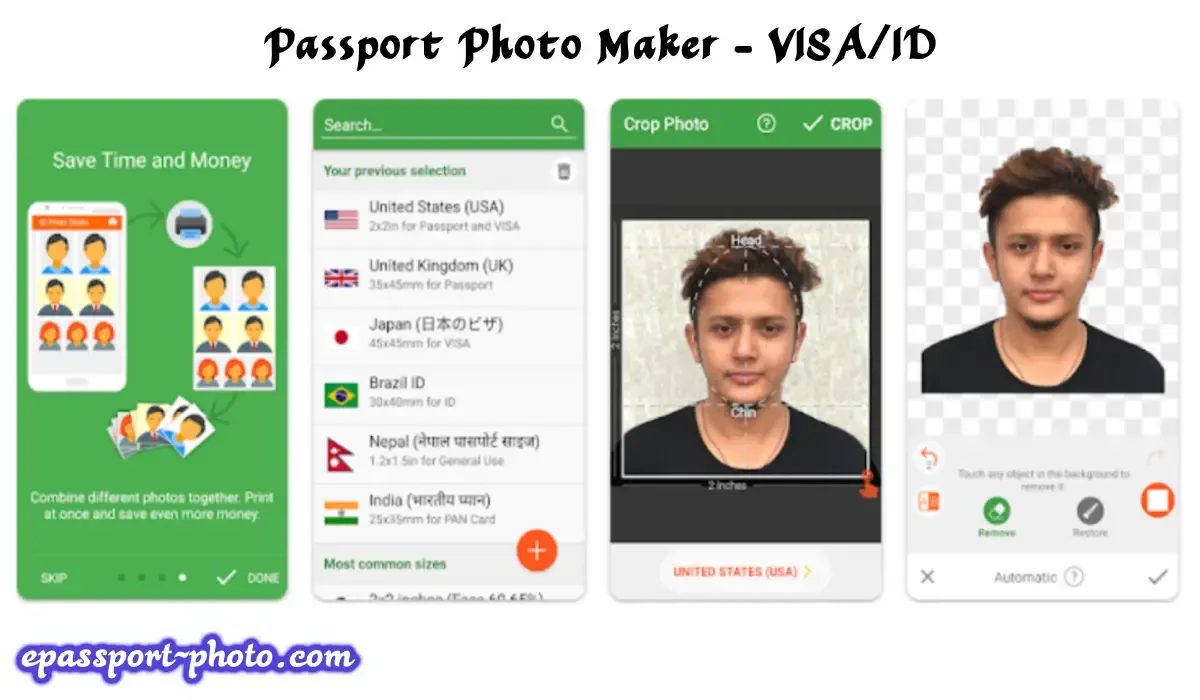
The most popular passport photo application among users, Passport Photo Maker - Visa/ID, has been downloaded over 10 million times from Google Play and the App Store.
You may crop photos for driving licenses, passports, and visa applications from a variety of nations. The app's default version is somewhat rudimentary in features.
Purchase the PRO version if you think you need extra features, as it comes with backdrop removal, an ink saver, and helpful photographic advice.
The app allows users to resize photos to common passport and ID formats and save them for digital or physical use.
Advantages
Supports JPEG and PNG file formats
Image resizing tools
Crop and alignment features
Disadvantages
Annoying ads in the free version
ID Passport VISA Photo Maker
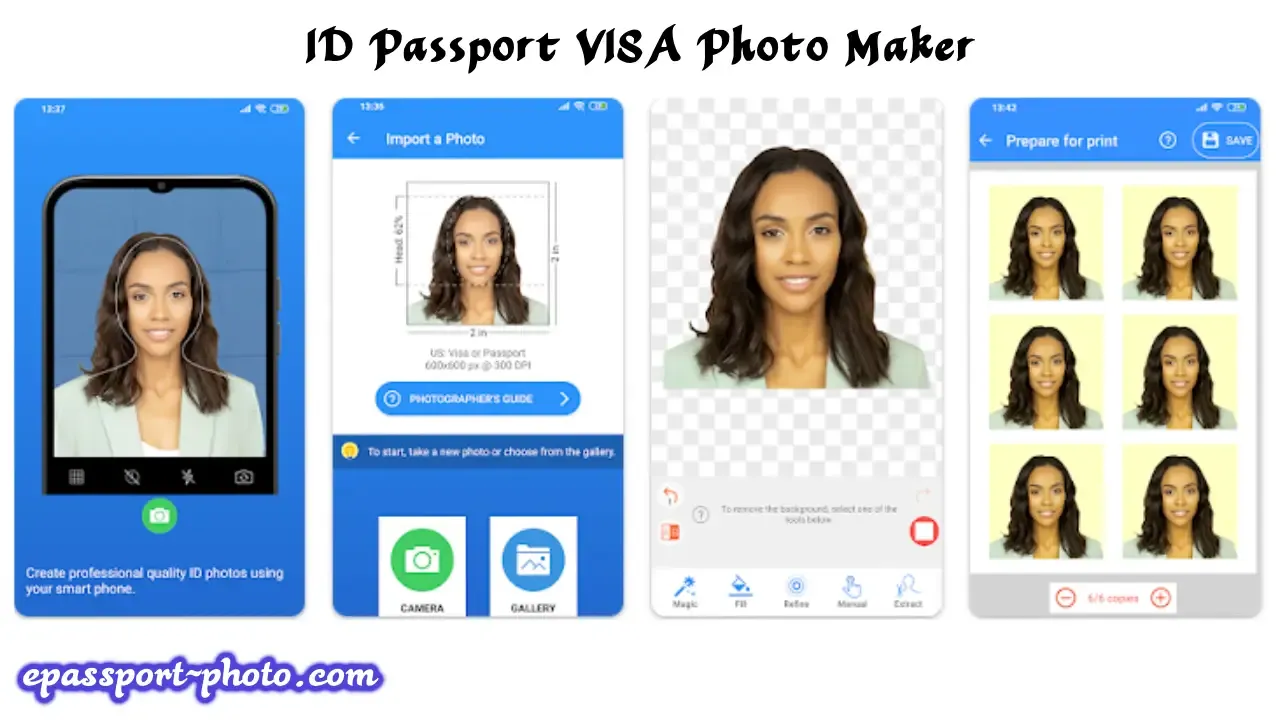
This Android photo editing app is a good option if you want to turn your tablet or smartphone into a photo studio. Almost 150 countries' worth of passport and VISA photo templates are available in this passport photo app's inventory.
A passport with ID, numerous options for manipulating images are included with VISA Photo Maker. You can adjust the brightness, saturation, white balance, and backdrop, among other things.
Following editing, you can use a local printer to print your photo in one or more sizes. The app allows multiple ID photos to be arranged and saved in standard document formats.
Advantages
Easy to use
Affordable Premium version
A collection of VISA templates
Integration with printers
Disadvantages
Difficult to change the background
The size of the photo is incorrect for some countries
Passport Photo Maker & Editor
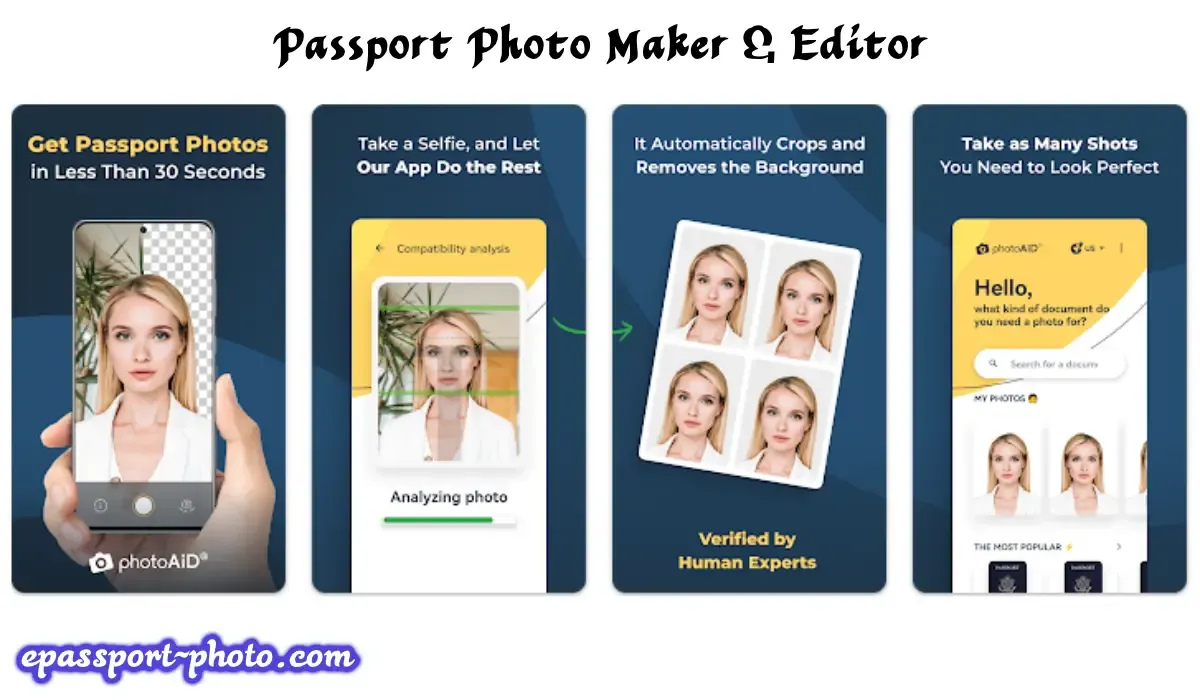
Users can take photos for passports, ID cards, and visas (biometric documents) using the web version and an app of the passport photo maker and editor, which is hosted on the domain passport-photo.online. It functions similarly to a portable passport photo booth, enabling quick photo capture without the need to locate a professional photo business.
When you visit the website, you will find not only a basic picture tool but also a wealth of helpful instructions, up-to-date regulations, and suggestions on how to create various document images, such as how to obtain a $10 discount when purchasing a Walgreens passport photo at Walgreens.
Advantages
Digital photo in several seconds
Top-notch service
Photos meet specific standards
Satisfaction Guarantee
Disadvantages
Paid images
ID Photo Application
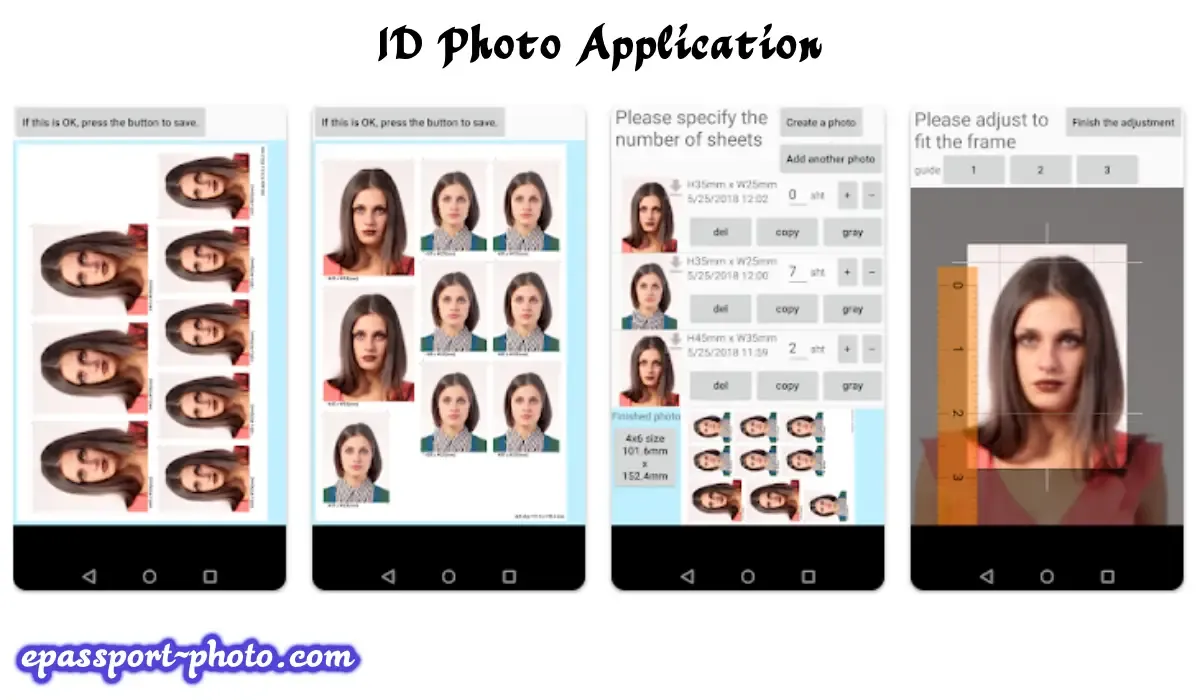
Check out the ID Photo app if you're searching for the best passport photo app. You can use it to make an image for your passport or any other official identification document.
This photo-editing tool is incredibly user-friendly and will walk you through the process of taking the ideal shot. The ID Photo application comes with several tools for modifying images so you can make the necessary changes.
You can finish everything in under a minute. The app provides basic editing tools and country-based templates for common ID documents.
You can use the ID Photo Application to alter an existing photo from your gallery instead of taking a new one.
Advantages
Works without lags
Convenient and fast app
Intuitive functionality
Tools for working with ID forms
Disadvantages
The number of documents is limited
Background removal is available only in the PRO version
Passport Photo - ID Photo
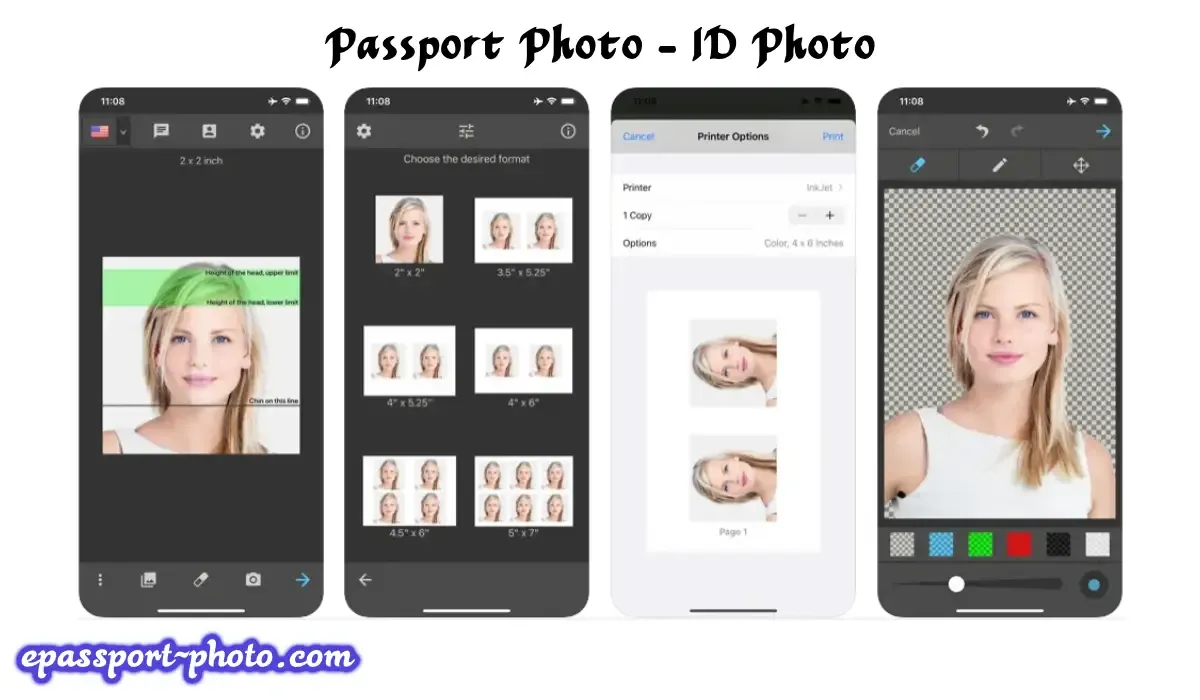 Passport Photo - ID Photo is a great option for iOS users searching for the finest passport photo app. Using your iPhone, this global app lets you take, edit, and print ID, VISA, or passport photos.
The backdrop remover, which precisely removes the image's background, is the best feature of this passport photo editor. Please feel free to download this program, which satisfies all requirements for precisely cropped passport, visa, or other ID images, if you need a photo for official usage.
You have the option to print your photographs on 3x4, 4x4, 4x6, or A4 paper sizes. Simply download and install Passport Photo - ID Photo on your device from the App Store to see it in action.
After the installation is finished, snap a picture, edit it as needed, and print it. It's important to remember that this free passport photo app offers premium features like ink and background removal.
Advantages
Supports multiple document types
Easy to use
Pictures for a variety of documents
Advanced background removal tools
Disadvantages
Can't print images directly from the app
No user guide
Passport & ID Photo Maker
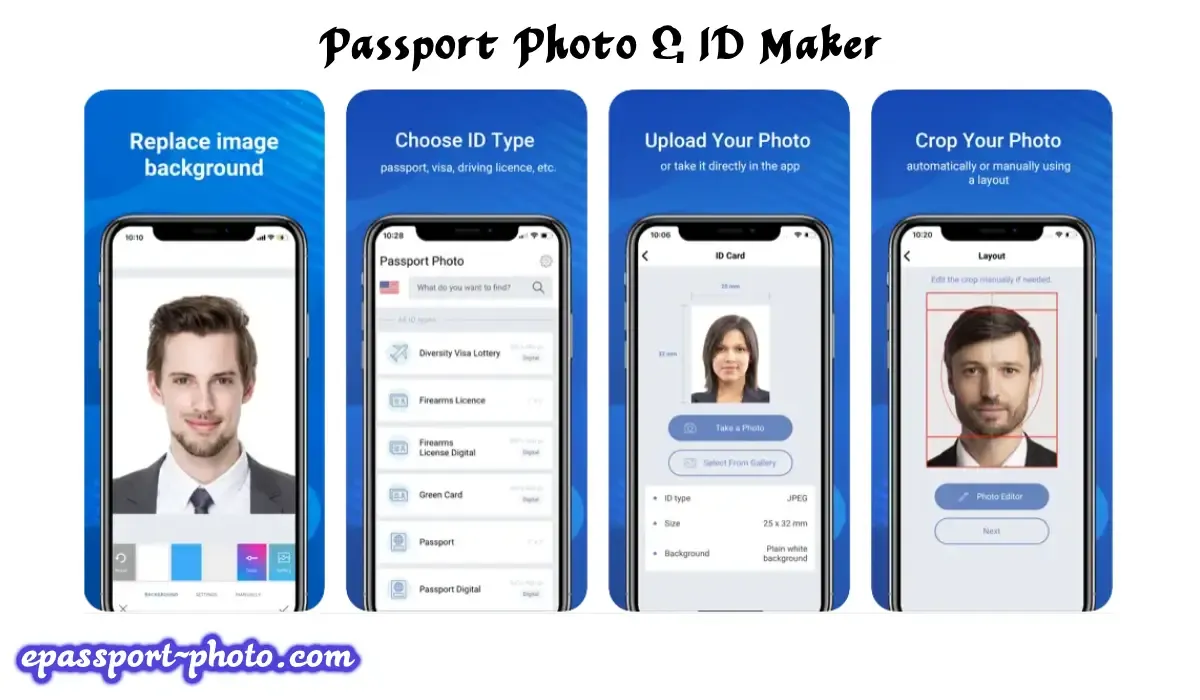
DV Lottery, Green Card, passport, visa, ID card, and other document photo creation are all easily accomplished using Passport & ID Photo Maker, an intuitive AI photo editor that works directly on smartphones. The app automatically crops photos based on selected document specifications.
Passport & ID Photo Maker will swiftly identify faces in your uploaded photos and automatically crop them to meet the necessary specifications. Additionally, a built-in camera can be used to take grid-based photos.
Moreover, sliders are used to adjust several parameters, such as WB, contrast, saturation, and brightness. You can use auto-correction to save time.
Advantages
ID templates for 130+ countries
Easy-to-navigate menus
Biometric features recognition
Print or save & email digital shots
Disadvantages
Unable to perform in-depth skin retouching
Distracting ads
ID Photo-Passport Photo maker
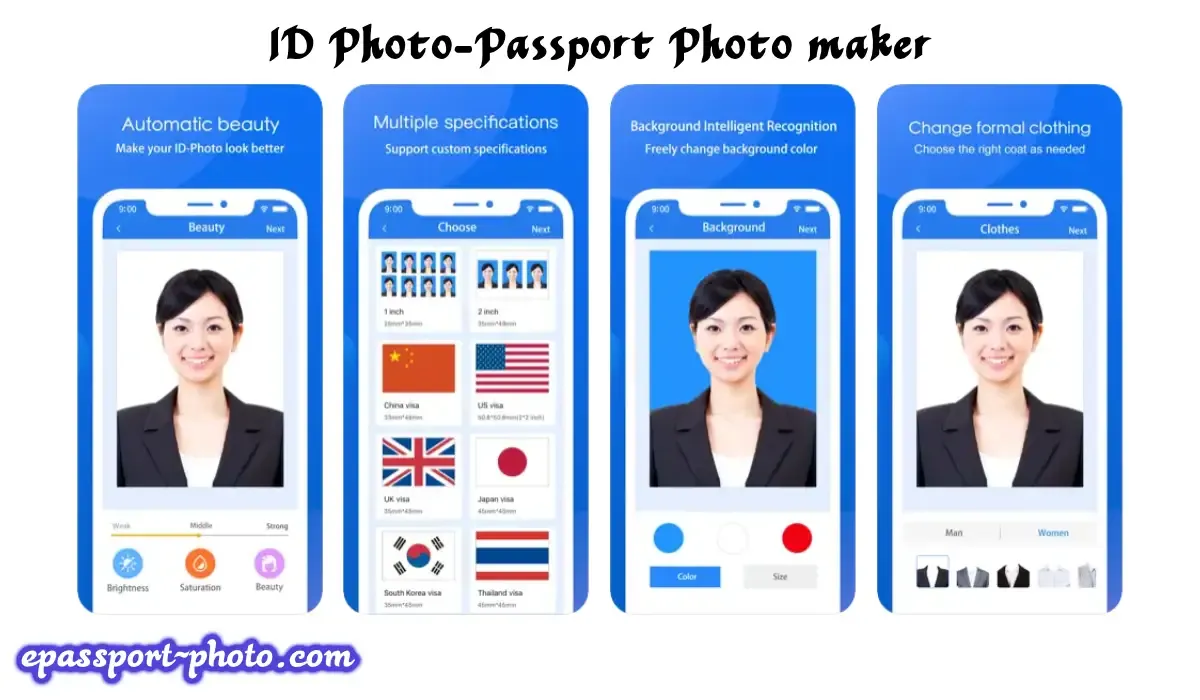
ID Photo-Passport Photo maker is a feature-rich passport and visa photo application with 14 country-specific settings. You can take photos that satisfy the requirements set forth by your government for passport photos by using the in-app camera interface and helpful instructions.
You can save or print the photo after you've taken it and done the required edits. You can print photos straight from your device if your printer supports AirPrint.
Advantages
Light adjustment
Tips on positioning the subject
Country-specific image sizing
Templates for 14 countries
Disadvantages
Can save an image in the wrong size
Biometric Passport Photo
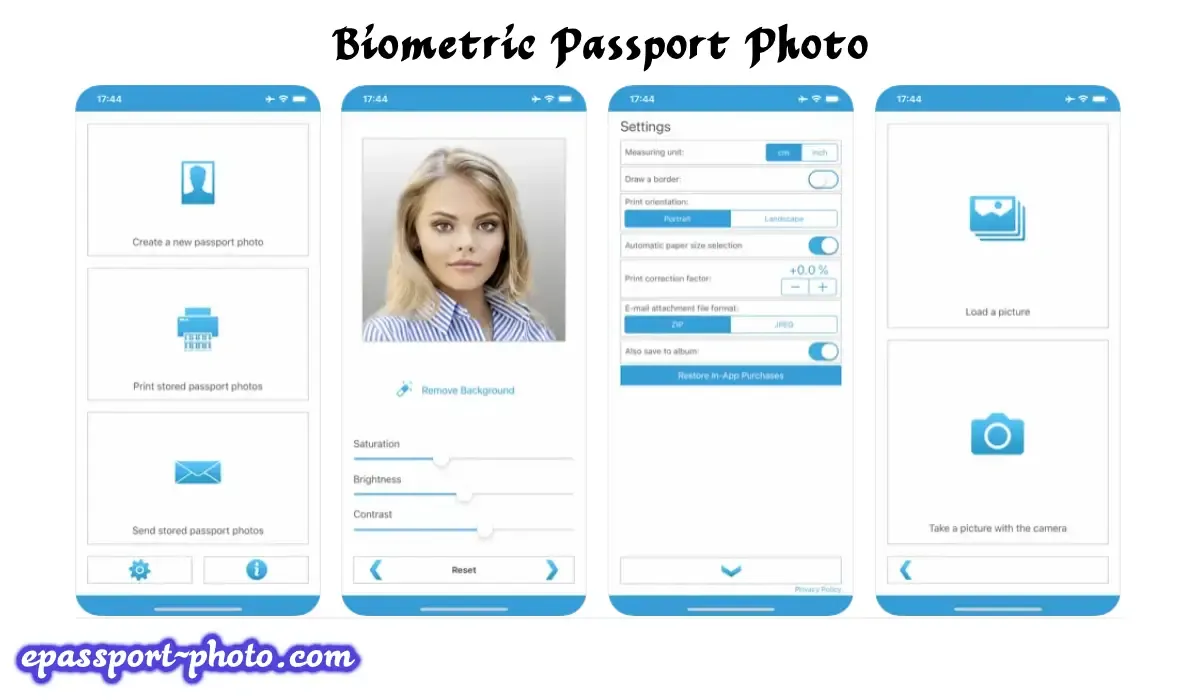
You don't need to be an expert to quickly format, print, and save your passport photos with Biometric Passport Photo.
The program provides passport picture templates for 100 nations in addition to US passport photos. You can load an image from your gallery or take a picture with your camera if you want to take professional-quality passport photos.
After that, you can rotate it, adjust its position, or zoom in on a particular area of the picture. Lastly, you should change the settings to suit your preferences.
This program for photo printing allows you to print photographs as well. Users can export passport photos digitally after resizing and basic adjustments.
Advantages
User-oriented
Handy templates for 100 countries
Allows adjusting brightness, contrast, and saturation
Disadvantages
Ads often pop up when users take photos
No version for Android
SnapID - AI Passport Photo Maker
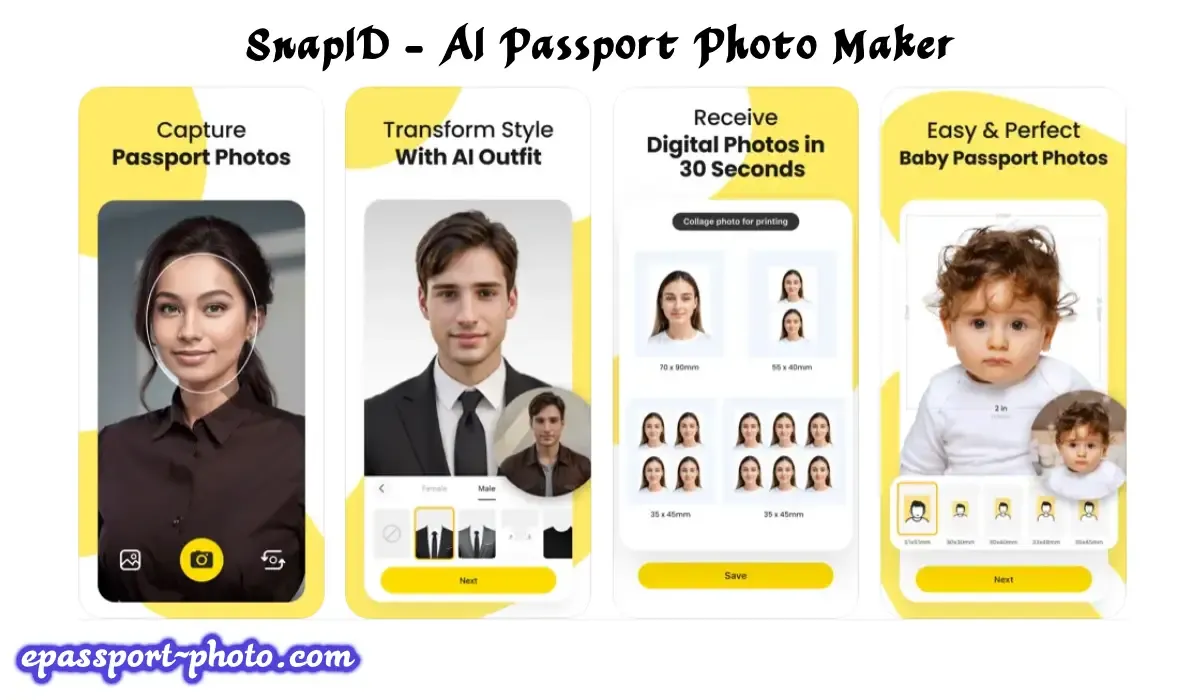
The fact that this passport photo software satisfies regulations set by over 100 nations is one of its main advantages. You can therefore be certain that it will assist you in obtaining the ideal shot for your purposes.
Another benefit of SnapID is that, because of its user-friendly interface, users can rapidly delete undesired objects from photos with this free program. Even if you've never edited photos before, you won't run into any problems using it.
The application has several templates for various kinds of papers. It is accessible to a large number of users because it supports multiple languages.
The app automatically resizes photos based on selected country presets. Its presets for various countries will save you from having to manually adjust the size of your photos.
This program is quite helpful for document workers because it also includes easy-to-use features for aligning your photos.
Advantages
Meets the requirements for passport photos in 100+ countries
Supports different paper sizes
Automatic photo size adjustment
Integrates with Apple AirPrint printer
Disadvantages
Only for iOS
The printing feature is paid
Passport Photo Booth Creator
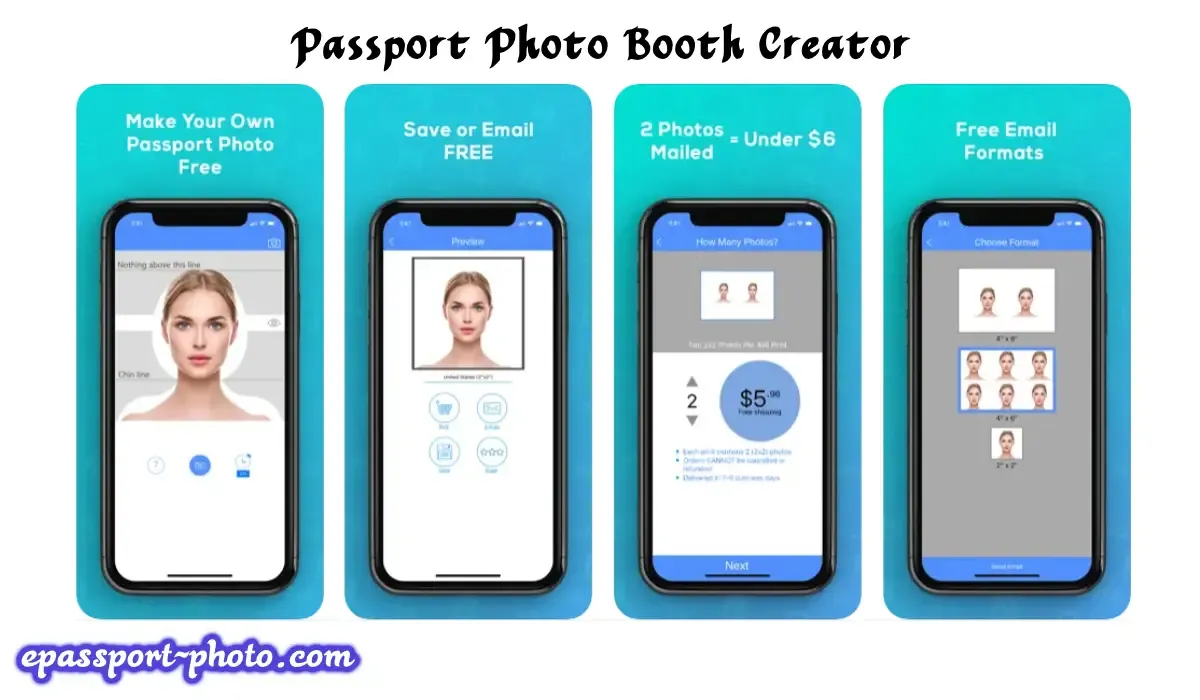
Passport Photo Booth Creator is one of the best smartphone apps for taking passport photos from home.
To mimic the white background, just place your phone in front of the wall, and the app will take care of the rest. If you notice any shadows, you should step back from the wall a few feet.
You may edit images with this passport photo program in several ways, such as cropping and resizing, and send your edited images directly to your work email. There's also a timer built in for taking photos.
You can get this app from the App Store. It's quite convenient to be able to order professionally printed photographs via mail for just $5.96 without having to step outside of your home.
Six images are included in a single 4x6 print.
Advantages
Ability to set the timer
All the necessary formats for cropping are present
Printout enabled (in the US)
No ads
Disadvantages
Delivery may seem too long
AI tools are not always efficient
No Android version
Official Passport Photo
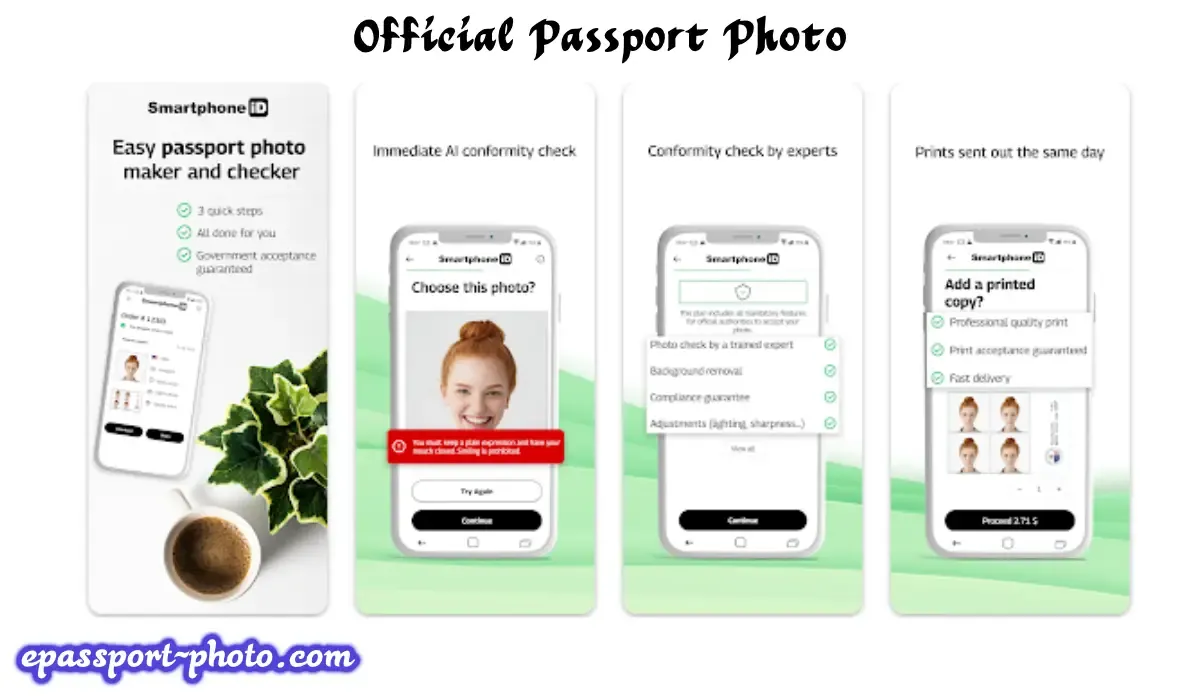
The fact that this program is so simple to use is what most impressed me about it. It's appropriate for even inexperienced photographers because no prior portraiture knowledge is required.
An assortment of templates for various documents that are approved in more than 100 countries is included with the application. You may therefore be certain that your images will satisfy the requirements of the application.
You may also save and edit your photos to fit various paper sizes, which will save you a ton of time. The ability to obtain official images without scheduling an expensive studio photoshoot is what sets it apart as the greatest passport app in its category.
The backdrop removal features, which let you easily remove distracting elements from your picture, will also make you happy.
Advantages
Doesn't require prior experience with such apps
Templates for passport photos, visas, and ID cards
Allows cropping pictures and saving them in different paper sizes
Users can download the app for free
Disadvantages
No basic photo enhancement tools
Doesn't support AirPrint-enabled printers
PhotoDirector: AI Photo Editor
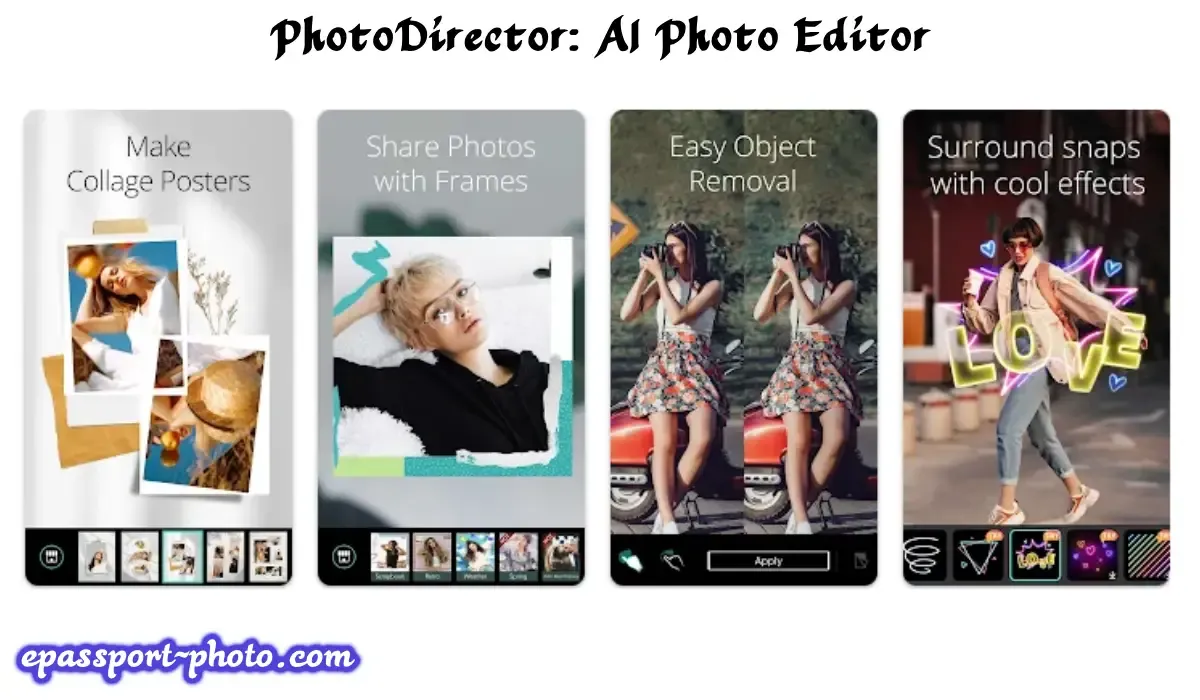
One feature that sets PhotoDirector apart from other apps of a similar nature is the array of tools available for manipulating portrait images.
The app includes basic photo enhancement and automatic document-size cropping tools. The program has a collection of more than 100 layouts for various nations.
If you've never used an app like this before, you can still use it to take passport photos. Because it's free, it's ideal for people who need to quickly edit their photographs to make sure they fit into certain document formats.
You may rotate and enlarge your photos with this software. When you need to print photos without utilizing third-party apps, it is quite handy and works with printers that support AirPrint.
Advantages
A variety of handy features
Templates for 100+ countries
Intuitive functionality
iOS and Android versions
Disadvantages
A bit pricey
Too many ads
Conclusion
Passport photo maker apps provide a practical way to convert full-length photos into passport-size images while following document size and formatting rules. These apps reduce reliance on photo studios and simplify the preparation of compliant images.
The apps listed above vary in platform support, editing depth, and document coverage, allowing users to choose based on their specific needs and device compatibility.
You May Also Like
Creating a Passport Size Photo from a Normal Photo: Step-by-Step Guide
Traveling with Kids? How to Capture Ideal Baby Passport Photos
FAQs
1) How do these apps ensure passport-size accuracy?
These apps use predefined templates and dimension rules based on official passport photo standards to ensure correct sizing and positioning.
2) Can I edit passport photos for multiple people?
Most passport photo apps allow editing multiple photos separately, making them suitable for families or group applications.
3) Is it safe to upload photos to passport photo apps?
Reputable apps process images locally or temporarily and do not store personal photos after editing.