


Today, securing passport photos can feel like a daunting task. However, these photos play a crucial role in various official works, from international travel to government applications.
Fortunately, ePassport-Photo presents a solution to this challenge. With our intuitive platform and budget-friendly services, ePassport-Photo simplifies the process of obtaining top-notch passport photos online.
Let us walk you through the effortless steps of acquiring your passport photo at no cost.
Step-by-Step Guide to Getting Your Free Passport Photo Online
Step 1: Navigating the ePassport Photo Website
Start by visiting the ePassport Photo website.
Navigate to the passport photo section.
Familiarize yourself with the layout and options available on the website, ensuring a smooth experience throughout the process.
Step 2: Uploading Your Photo
Once on the passport photo page, locate the option to upload your photo.
Choose a recent photo of yourself that meets the official passport photo requirements regarding size, background, and facial expression.
Follow the on-screen prompts to upload your photo to the ePassport Photo platform securely.
Step 3: Adjusting and Cropping Your Photo
After uploading your photo, you will be guided through the process of adjusting and cropping it to meet the specific requirements for passport photos.
Utilize the editing tools provided by ePassport Photo to ensure your photo is correctly positioned, sized, and cropped according to official guidelines.
Take advantage of features such as zoom, rotate, and resize to perfect your passport photo with ease.
Step 4: Downloading The Final Passport Photo
Once you are satisfied with the adjustments and cropping of your photo, proceed to the final step.
Review your passport photo to ensure it meets all requirements for clarity, composition, and compliance.
When you are ready, download your finalized passport photo directly from the ePassport Photo website.
Save the downloaded photo to your device for printing or digital submission with your passport application.
By following these simple steps, you can obtain your free passport photo online quickly and efficiently with ePassport-Photo.
Requirements for Passport Photos
Photo Size and Composition
Passport photos typically require specific dimensions, such as 2x2 inches (51x51 mm) in the United States.
The photo should capture your full face, head, and shoulders, with the face centered and occupying 70-80% of the frame.
Background Color and Lighting
The background of the passport photo should be plain white or off-white, without any patterns or textures.
Lighting should be even and free of shadows, ensuring that your face is well-lit and visible.
Facial Expression and Positioning
Maintain a neutral facial expression with your eyes open and mouth closed.
Avoid tilting or turning your head, keeping it directly facing the camera.
Clothing and Accessories
Wear normal street attire in your passport photo, avoiding uniforms, hats, or head coverings unless worn for religious or medical reasons.
Glasses may be worn as long as they do not obscure your eyes or cause glare.
Image Quality and Resolution
The passport photo should be clear, sharp, and in focus, with no blurriness or pixelation.
Ensure that the resolution is high enough to capture fine details and prevent distortion when printed.
Tips for Taking the Perfect Passport Photo
Light: Find good lighting, natural or artificial. Avoid harsh shadows or bright spots.
Background: Choose a simple backdrop, like white or light gray. Busy patterns can be distracting.
Dress smart: Wear clothes that do not blend into the background (no white on white!).
Neutral expression: Keep a relaxed face, closed lips, and no big smiles or frowns.
Ditch the extras: Remove hats, sunglasses, and other head coverings.
Frame it right: Make sure your whole face is visible and your hair is not in your face.
Follow the rules: Check size requirements and avoid things like blurry photos or red-eye.
Take extras: Snap a few photos to have options and pick the best one.
Why Choose ePassport-Photo?
Snap, Edit, Download
Simply upload your photo directly (taking a selfie!), follow the on-screen guide to adjust it for compliance, and download your finished passport photo - all from the comfort of your home. No more waiting in line or scheduling appointments.
Free Service
Getting professional-quality passport photos should not cost a fortune. That's why ePassport-Photo is completely free to use.
You can create high-quality photos without spending a dime, as our web and app are completely free.
Top-Tier Quality
We prioritize quality. Our advanced tech ensures that your photos meet the strictest standards for clarity and accuracy.
From image resolution to color balance, you can trust ePassport-Photo to deliver professional results every time. Rest assured, your photos will be clear, crisp, and compliant with official requirements.
Access Anywhere
Be it you are using a computer, tablet, or smartphone, ePassport-Photo is at your fingertips. Our user-friendly interface works seamlessly across various browsers and operating systems.
Access the service whenever and wherever you need it.
Globally Compatible
No need to worry about compatibility. Our platform works with major passport photo specifications worldwide, ensuring your photos meet the requirements of any country or agency.
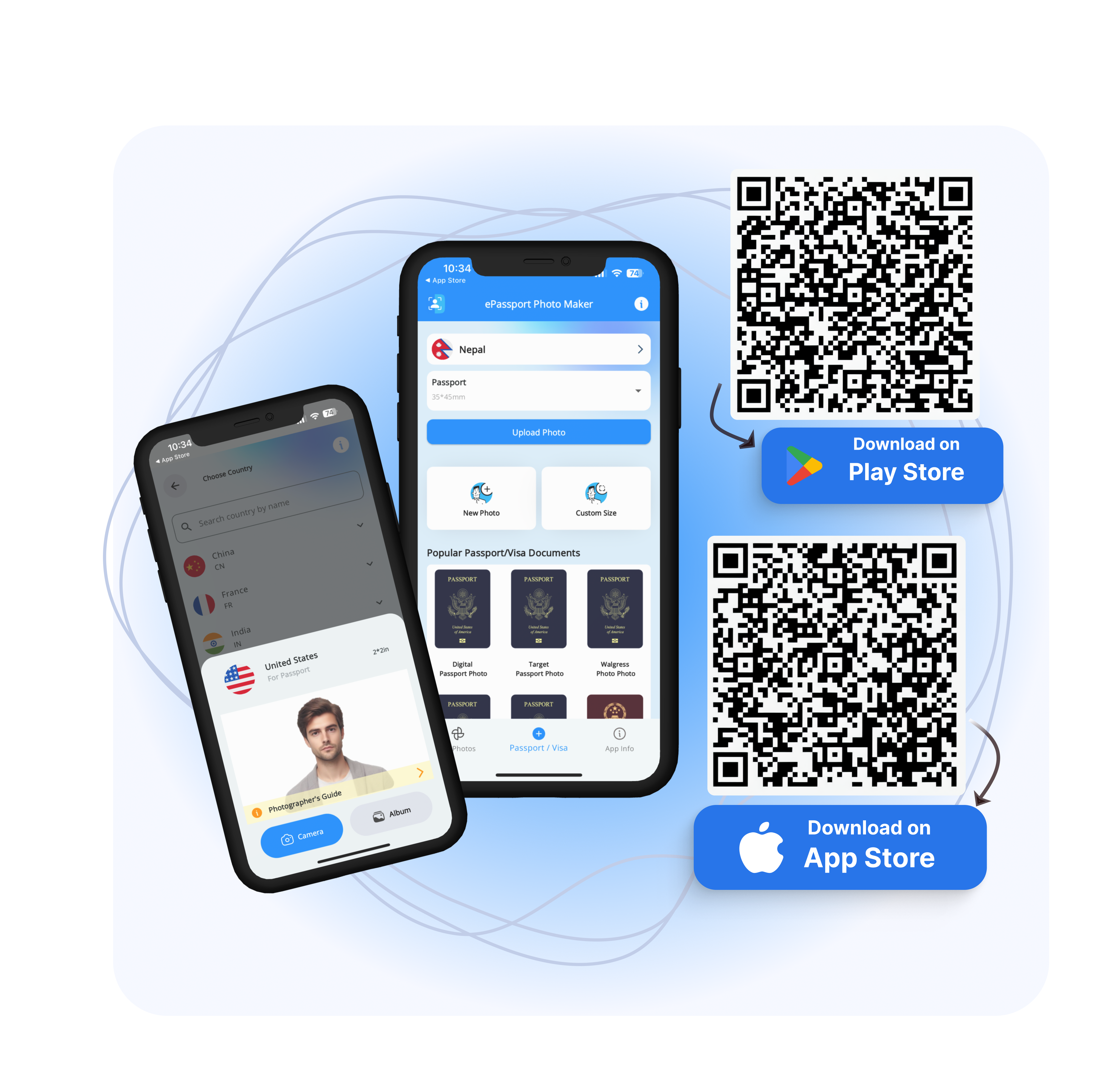
Download EPassport-Photo | Android | IOS
Say goodbye to the hassle of traditional photo booths and expensive photographers; ePassport Photo provides a convenient and cost-effective solution for all your passport photo needs.
FAQ
Do I need a professional photographer for passport photos?
No, you do not necessarily need a professional photographer for passport photos. With advancements in technology and the availability of online passport photo services like ePassport-Photo, you can easily take high-quality passport photos yourself. The ePassport-Photo guides you through the process and ensures that your photos meet all official requirements, saving you time and money compared to traditional photo studios.
Can I use a selfie for my passport photo?
While some countries accept selfies for passport photos, it is essential to check the specific requirements of your country or the issuing authority. Selfies must adhere to the same standards as traditional passport photos regarding composition, size, background, and facial expression. With ePassport Photo's online service, you can take a selfie and adjust it to meet official requirements, ensuring that your passport photo is acceptable for submission.
What if my passport photo gets rejected?
If your passport photo is rejected, there is no need to worry. It is a common issue, and there are simple steps you can take to fix it. First, carefully review the reasons for rejection, such as incorrect dimensions or facial expressions. Then, use ePassport Photo's online service to retake your photo and ensure it meets all the requirements.
How long does it take to get my passport photo using ePassport-Photo?
The process of obtaining your passport photo with ePassport-Photo is quick and efficient. Once you upload your photo and make any necessary adjustments, you can download the final passport photo instantly. There is no need to wait for processing or shipping, with ePassport Photo, you can have your passport photo ready to use in minutes.