

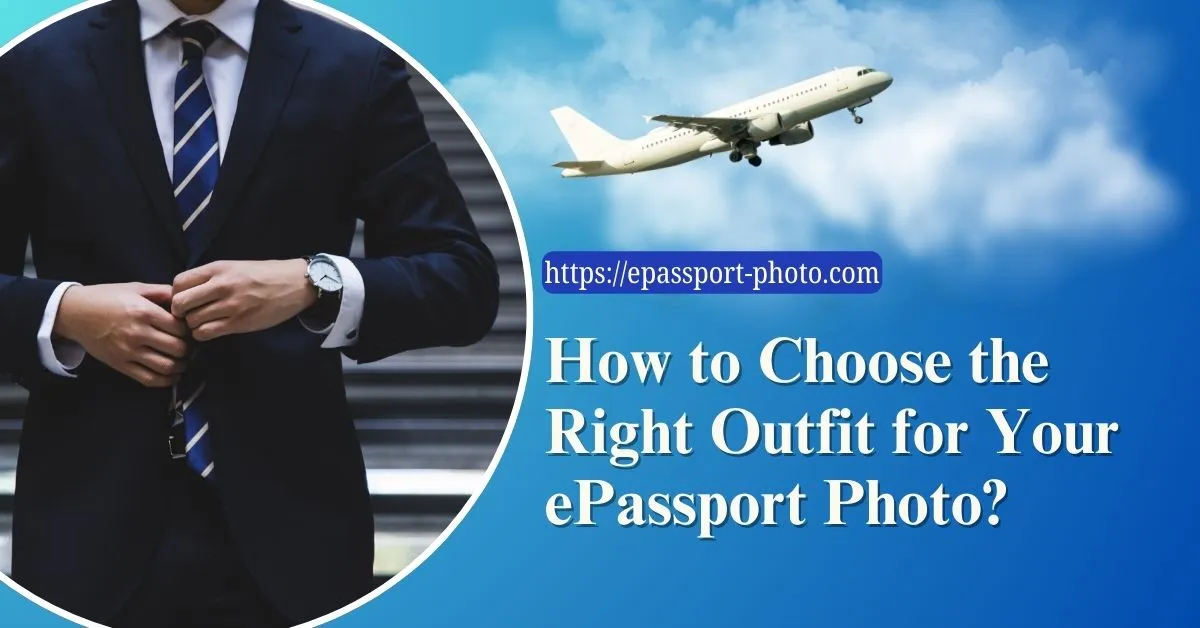
An ePassport photo is not a casual image; it is a biometric identity record that will represent you across international borders, visa applications, and official documentation for years. Despite its importance, many applicants overlook one critical factor: what they wear.
Your outfit directly affects clarity, contrast, facial visibility, and overall compliance with passport photo regulations. A poorly chosen outfit can lead to photo rejection, delays, or an unflattering image that remains with you for a decade.
This guide explains how to select the right outfit for your ePassport photo with a focus on accuracy, compliance, and visual presentation.
Why Your Outfit Matters in an ePassport Photo
Passport authorities prioritize facial recognition accuracy. Your clothing should support, not interfere with, this objective.
A suitable outfit ensures:
Clear distinction between your face and background
No shadows or glare affecting facial features
A neutral, professional appearance that meets international standards
Reduced chances of rejection due to non-compliance
Even though clothing may seem secondary, it plays a direct role in how your identity is captured and verified.
Keep It Simple and Neutral
Simplicity is a fundamental requirement for passport photography. The goal is to eliminate distractions and keep the focus entirely on your face.
Best Practices:
Solid colors only: Avoid patterns, prints, logos, or graphics
Neutral tones: Choose colors like blue, grey, beige, or muted pastels
Timeless styles: Opt for classic clothing such as collared shirts, blouses, or simple tops
Busy designs or trendy outfits can create visual noise and may not age well over time.
Avoid White and Pure Black
Two of the most common mistakes in passport photos involve wearing white or black clothing.
Why to Avoid White:
Blends into the standard white background
Causes overexposure and reduces contrast
Makes facial features appear washed out
Why to Avoid Black:
Creates heavy contrast and shadowing
Can obscure clothing outlines
May affect lighting balance in the image
Better Alternatives:
Navy blue
Olive green
Soft pastel shades
Earth tones
These colors provide sufficient contrast without overpowering the image.
Consider the Background Contrast
Most ePassport photos require a plain white or light-colored background. Your outfit should clearly differentiate you from that background.
Key Guidelines:
Choose colors that stand out against white or light grey
Avoid blending or low-contrast combinations
Ensure your shoulders and neckline are visible
Pro Tip: Take a test photo against a plain wall before your final shot. This helps you identify contrast issues early.
Prioritize Fit and Comfort
Comfort directly affects posture and facial expression, both of which are critical in passport photography.
What to Focus On:
Well-fitted clothing: Avoid overly tight or loose garments
Breathable fabrics: Prevent discomfort or visible tension
Natural posture: Relaxed shoulders and upright position
If your outfit feels uncomfortable, it will reflect in your expression, resulting in a rigid or unnatural photo.
Keep Accessories Minimal
Accessories can easily interfere with facial visibility and lighting.
What to Avoid:
Large earrings or statement jewelry
Hats, headwear (unless for religious/medical reasons)
Heavy scarves or bulky items
Glasses Guidelines:
Allowed only if there is no glare or reflection
Eyes must be fully visible
Thick frames that obscure eyes should be avoided
When in doubt, removing accessories ensures compliance.
Maintain a Clean and Clear Hairstyle
Hair should not obstruct your facial features.
Recommended Approach:
Keep hair neat and well-groomed
Ensure eyes, eyebrows, and jawline are visible
Avoid excessive styling or volume that alters your natural look
For long hair, tying it back (ponytail or bun) can improve clarity and symmetry.
Test Your Outfit Before the Final Photo
Testing helps eliminate common issues before submission.
What to Do:
Take sample photos in similar lighting and background
Check for glare, shadows, or blending issues
Evaluate how colors appear on camera
Additional Tip: Ask for a second opinion. Small issues, like reflections or poor contrast, are often easier for others to notice.
Use a Reliable Passport Photo Tool
If you are taking your photo at home, using a professional tool improves accuracy and compliance.
Platforms like ePassport-Photo help:
Automatically remove backgrounds
Adjust size and alignment
Ensure compliance with official passport standards
This reduces rejection rates and ensures your photo meets biometric requirements.
Conclusion
Choosing the right outfit for your ePassport photo is not about style, it is about clarity, compliance, and long-term usability. A well-selected outfit ensures your facial features remain the focal point while meeting official requirements.
By focusing on neutral colors, proper fit, minimal accessories, and strong contrast, you can create a passport photo that is both compliant and visually accurate.
Taking a few extra minutes to prepare can save you from delays, rejections, and the inconvenience of retaking your photo.
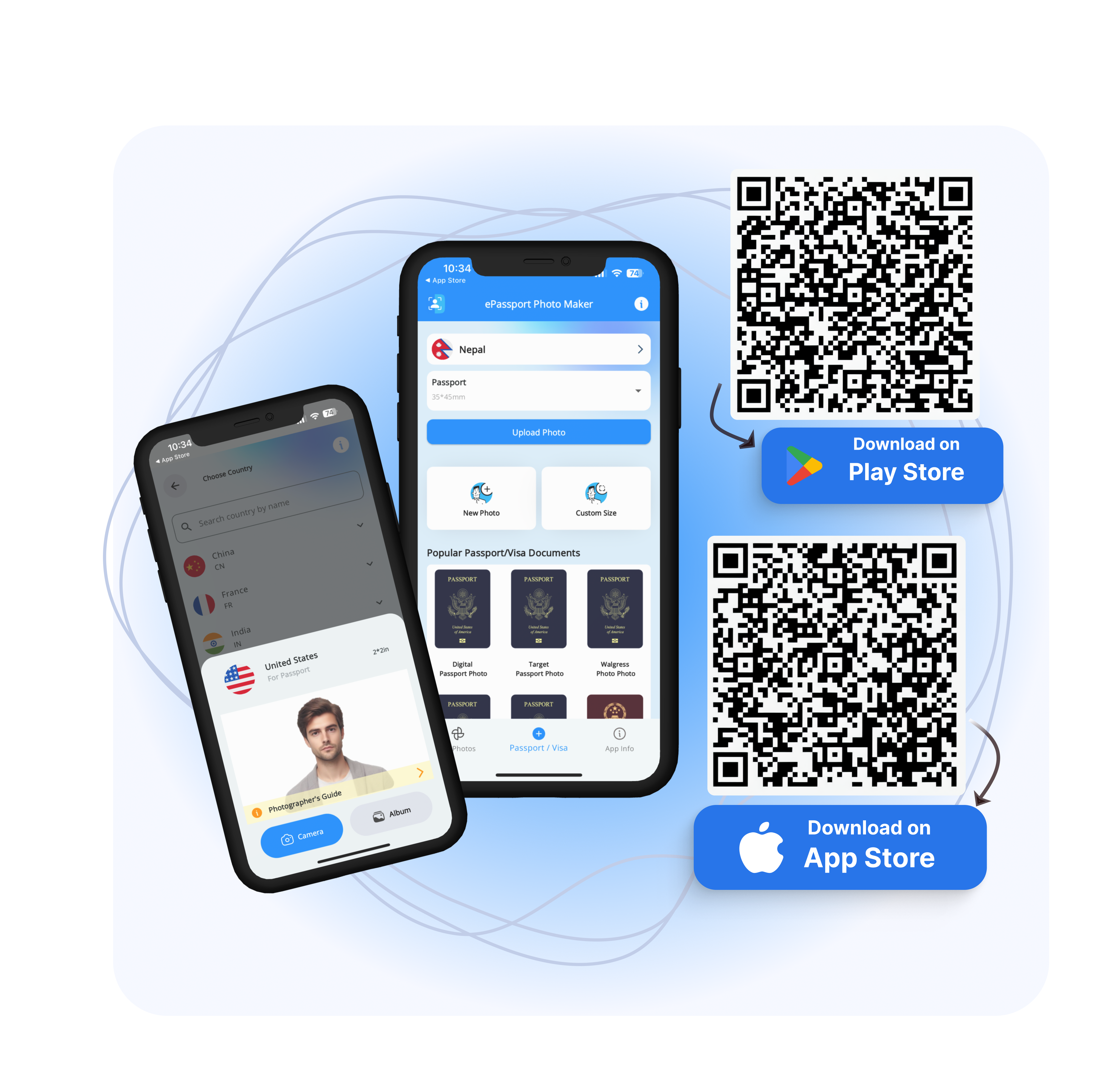
Visit EPassport-Photo
Download the App | Android | IOS |
FAQs
1. Can I wear spectacles in my ePassport photo?
Yes, but only if there is no glare and your eyes are fully visible. If reflections occur or frames obstruct your eyes, you should remove them.
2. Can I wear makeup in my passport photo?
Yes, but it should be natural and minimal. Avoid heavy makeup that alters your appearance. The goal is to reflect your everyday look.
3. Can I take an ePassport photo at home?
Yes. You must follow official requirements for:
Lighting
Background
Image size and resolution
Using tools like ePassport Photo can help ensure compliance.
4. Are digital passport photos accepted?
Many countries accept digital submissions, provided they meet:
File format requirements
Resolution standards
Official size specifications
Always verify with your local passport authority.
5. Why do passport photos get rejected?
Common reasons include:
Incorrect background
Shadows or poor lighting
Obstructed facial features
Improper size or alignment
Carefully following guidelines significantly reduces rejection risk.